
Cancellations and refunds
The free-cancellation window, automatic refunds and what happens inside it.
Clients can cancel a booking themselves from their quote page, and the office can cancel any job from its job record. What happens to the deposit depends on how far away the move is.
When the client cancels#
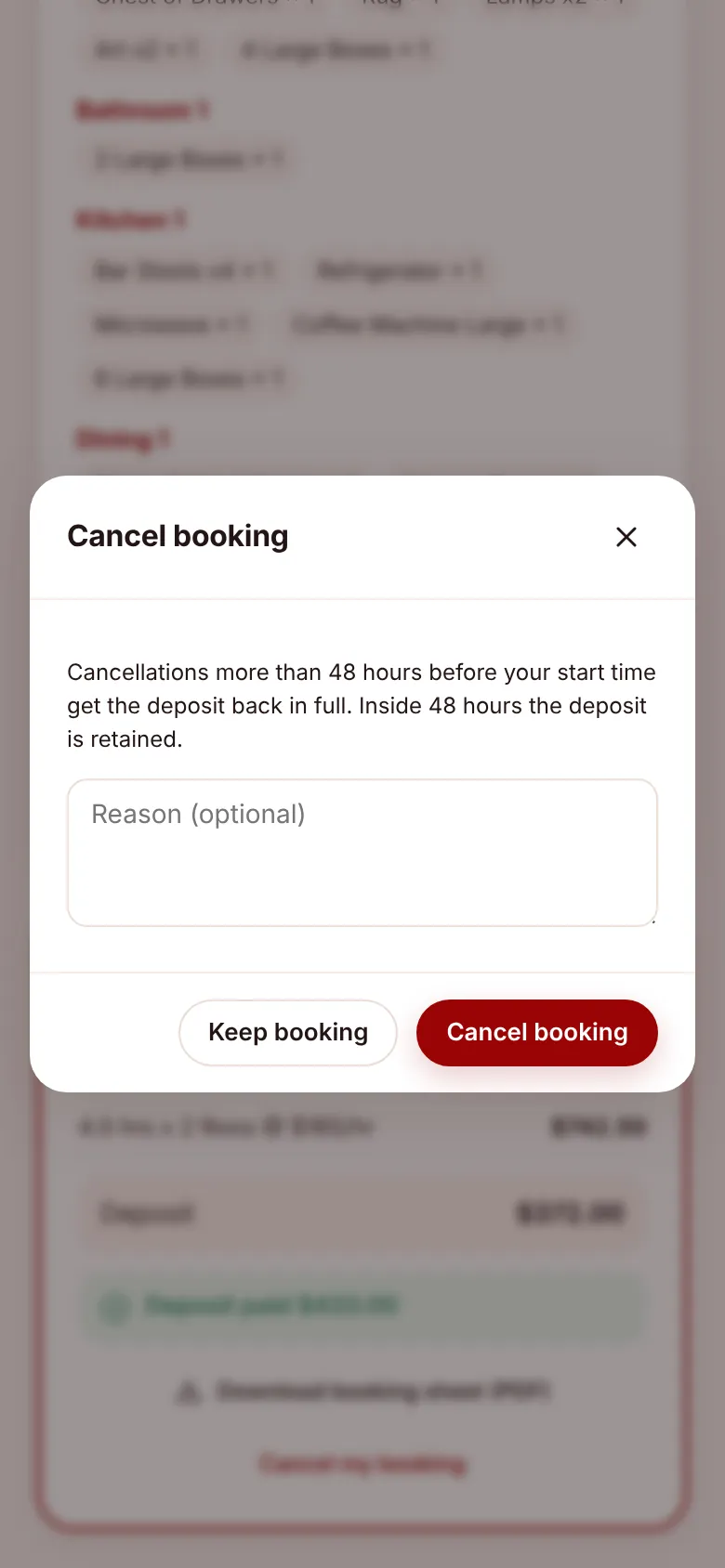
- On their quote page they choose Cancel my booking, add a reason if they like, and confirm with Cancel booking.
- The app checks the time left until the move’s start time.
- More than 48 hours: every deposit is refunded and a refund line is added to the job’s payments. Deposits paid through Stripe go back to the card automatically. The page shows “Cancelled – $X will be refunded”.
- Inside 48 hours: the deposit is kept. The page shows “Booking cancelled”.
- The job and its quote are marked Cancelled, the client gets a “Booking cancelled” email saying whether the deposit will be refunded, the office gets a “Cancelled” email, and the job is removed from the Outlook calendar if it’s connected.
Clients can cancel until the crew arrive. Once the job is In Progress or Completed, the button disappears.
When the office cancels#
Open the job, go to the Billing tab and choose Cancel job. Enter a reason and confirm. The same rule applies: outside the window deposits are refunded (automatically for Stripe), inside it they’re kept. The client and office are emailed and the calendar is updated. See The job record.
A cancelled job can be brought back with Re-open, which puts it back to Pending Review. A refund that has already gone through isn’t reversed, so take a new deposit if needed.
Quotes that were never booked#
A quote without a job doesn’t need cancelling: it expires by itself after 30 days. The office can also choose Cancel quote on it, and bring it back later with Re-open quote.
Things to know#
- Money only moves automatically for deposits paid through Stripe. For a deposit paid by bank transfer or cash, the app still records the refund on the job, but you need to pay the client back yourself.
- An admin can refund part or all of any payment at any time from the job’s Billing tab, for example as a goodwill gesture.
- The start time used is the job’s start time on its move date. If you change the date or time, the window moves with it.