The booking form
A tour of the online booking form, step by step, as the client sees it.
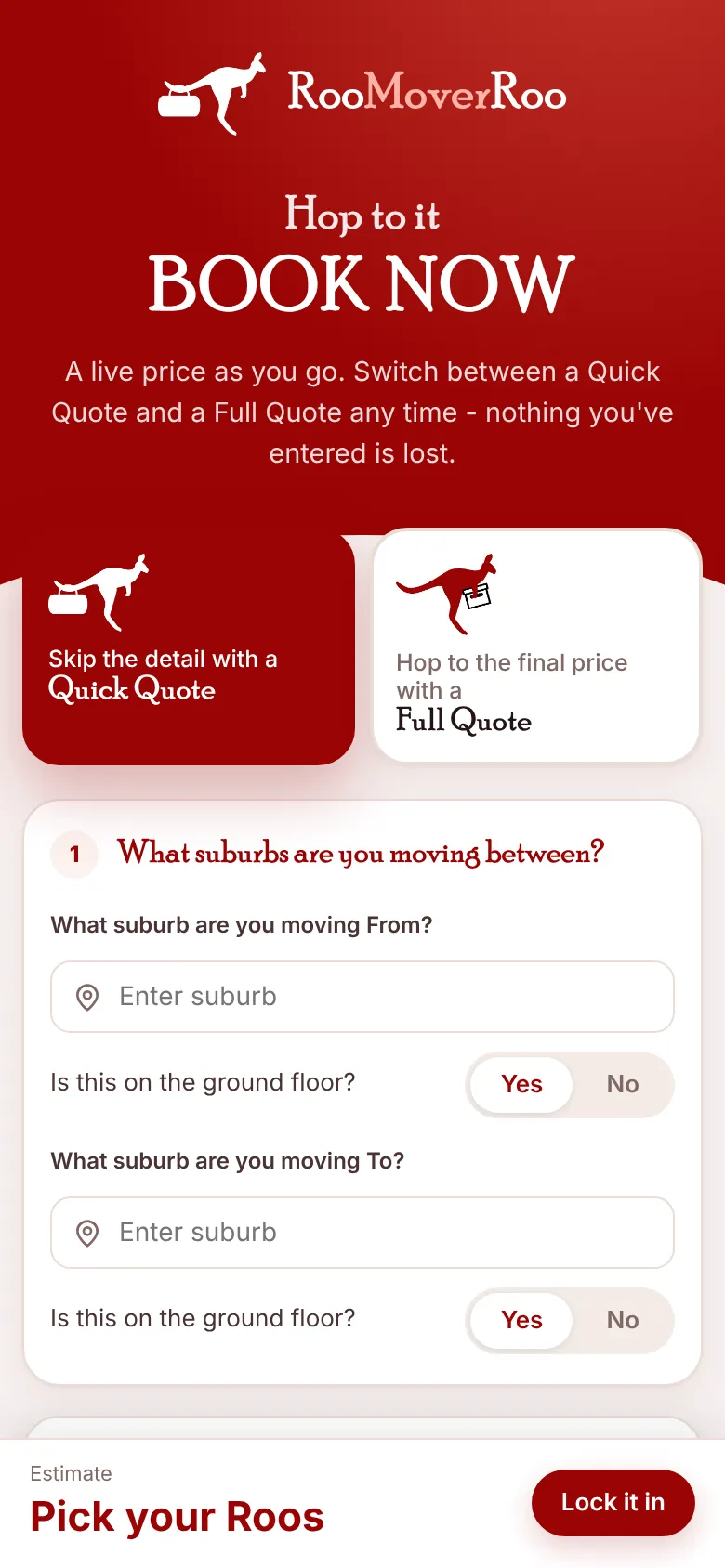
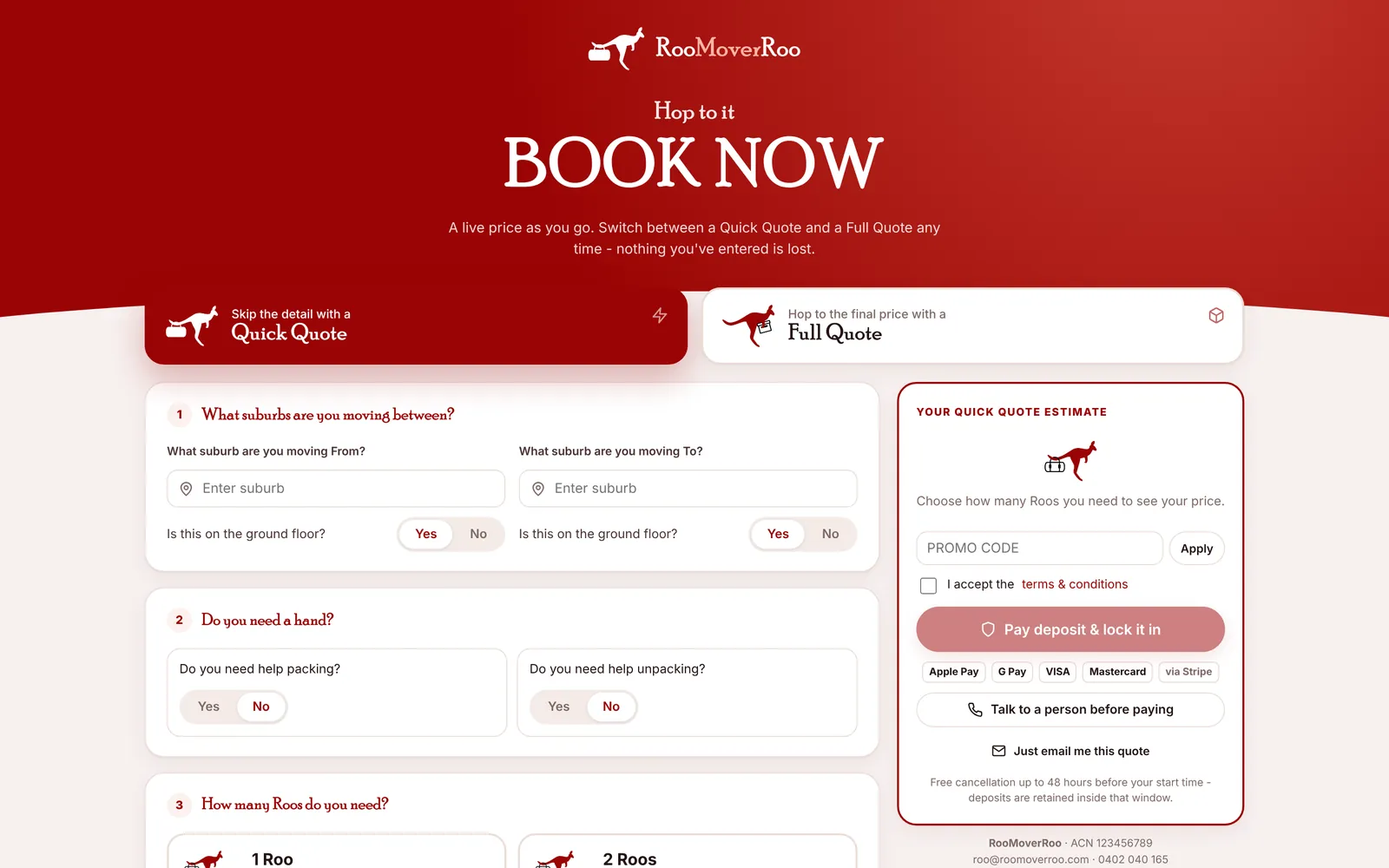
The booking form at /roo/book is where clients get a price and book. It’s one page with six numbered steps and a price panel that updates as they go. They don’t need an account, and they only give their contact details once they’ve seen the price.
The website’s “Get my price” and “Book now” buttons all lead here, and so do /book and /quote on the app’s site.
Quick Quote or Full Quote#
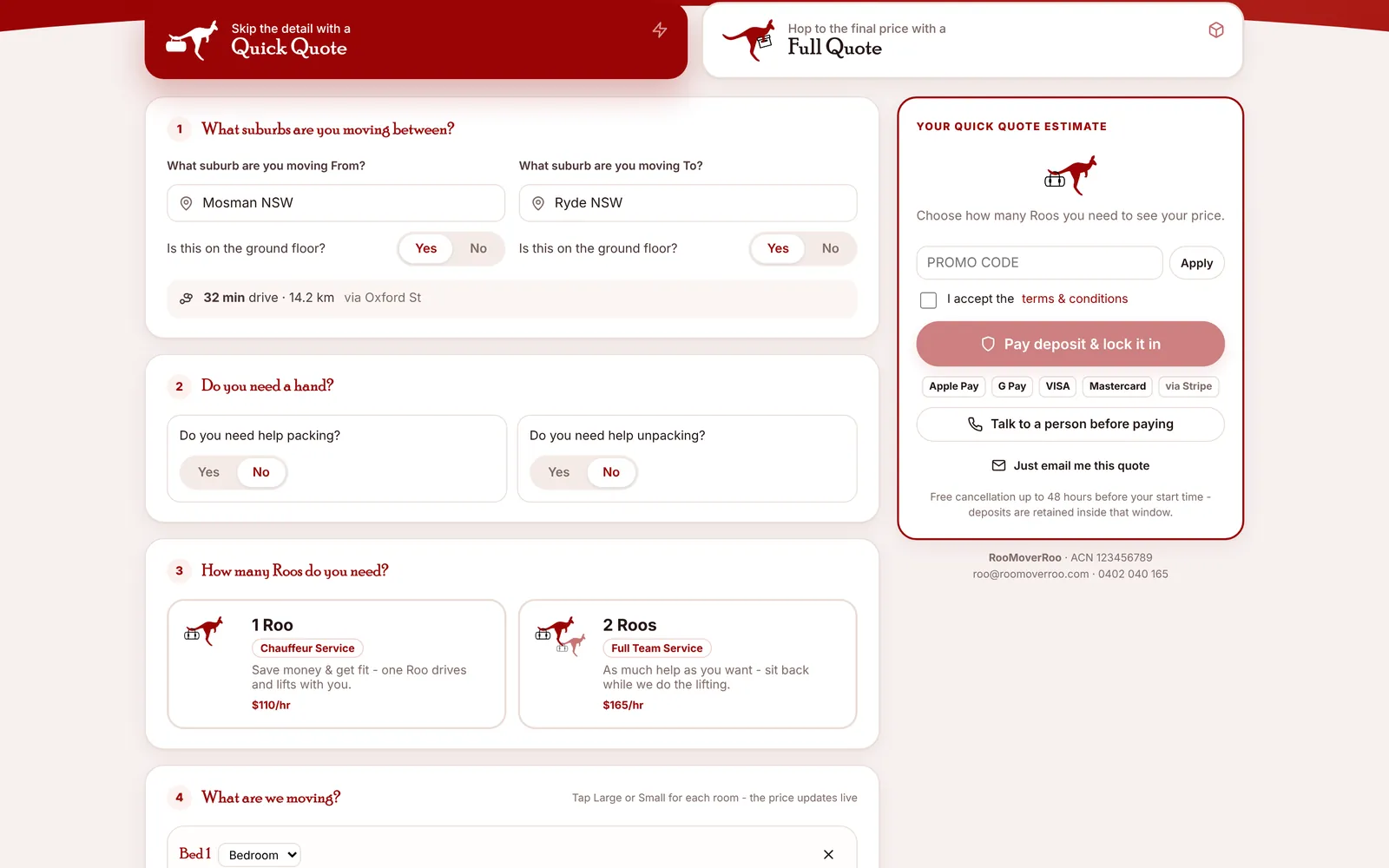
At the top the client chooses Quick Quote (“Skip the detail with a Quick Quote”) or Full Quote (“Hop to the final price with a Full Quote”). They can switch at any time and nothing they’ve entered is lost. The differences are explained in Quick Quote and Full Quote.
The six steps#
- Where. The suburbs they’re moving from and to (Quick), or the full addresses (Full). For each end: Is this on the ground floor? If not, they choose Stairs or Lift and the level. Once both ends are in, the drive time, distance and any tolls appear under the addresses.
- Do you need a hand? Yes or no to help packing and unpacking, and on a Full Quote, cleaning.
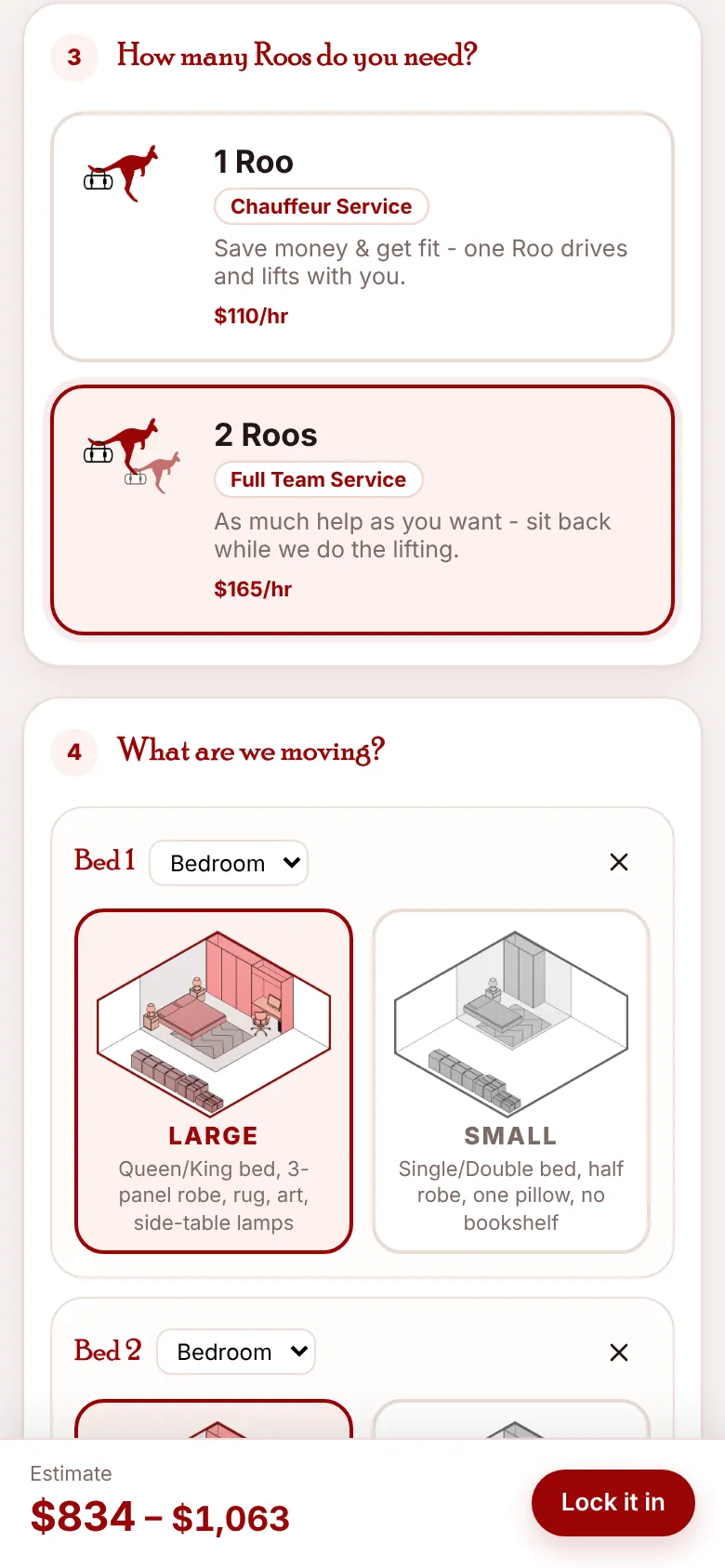
- How many Roos do you need? 1 Roo, the Chauffeur Service (“Save money & get fit – one Roo drives and lifts with you.”), or 2 Roos, the Full Team Service (“As much help as you want – sit back while we do the lifting.”), each with its hourly rate. The price appears as soon as they choose.
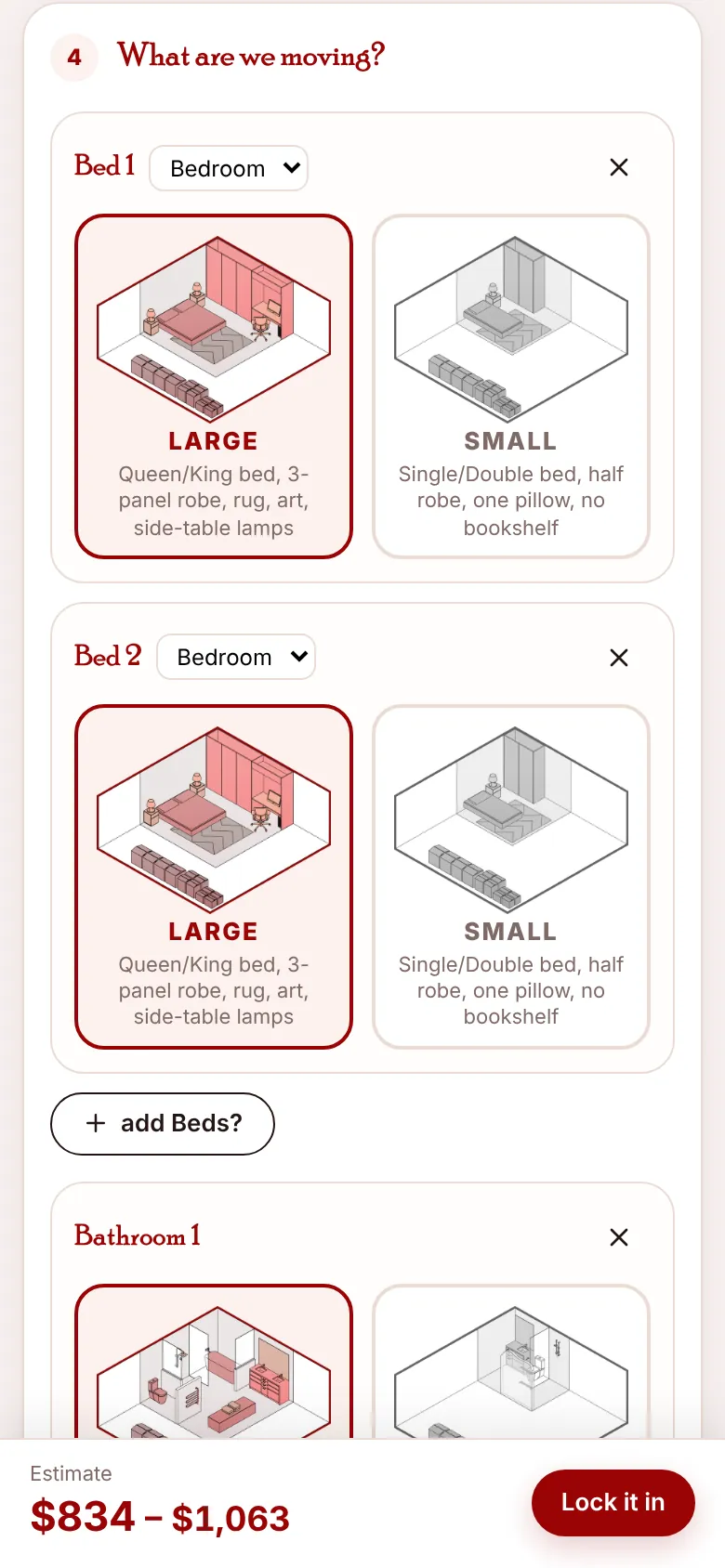
- What are we moving? A typical home is already filled in: out of the box, two bedrooms, a bathroom, kitchen, dining, living and garage, all Large (you can change this in Rooms and items). They tap Large or Small for each room, remove rooms, change a room’s type or use the “add …?” buttons, for example add Beds?.
- When would you like to move? A calendar of the days you move, and a start time. See Dates and start times.
- Your details. First name, surname, phone and email (“Only needed now you’ve seen your price”). A Full Quote also asks about parking, driveway load and height limits, the building manager, lift protection and valuables. Anything else? is for notes.
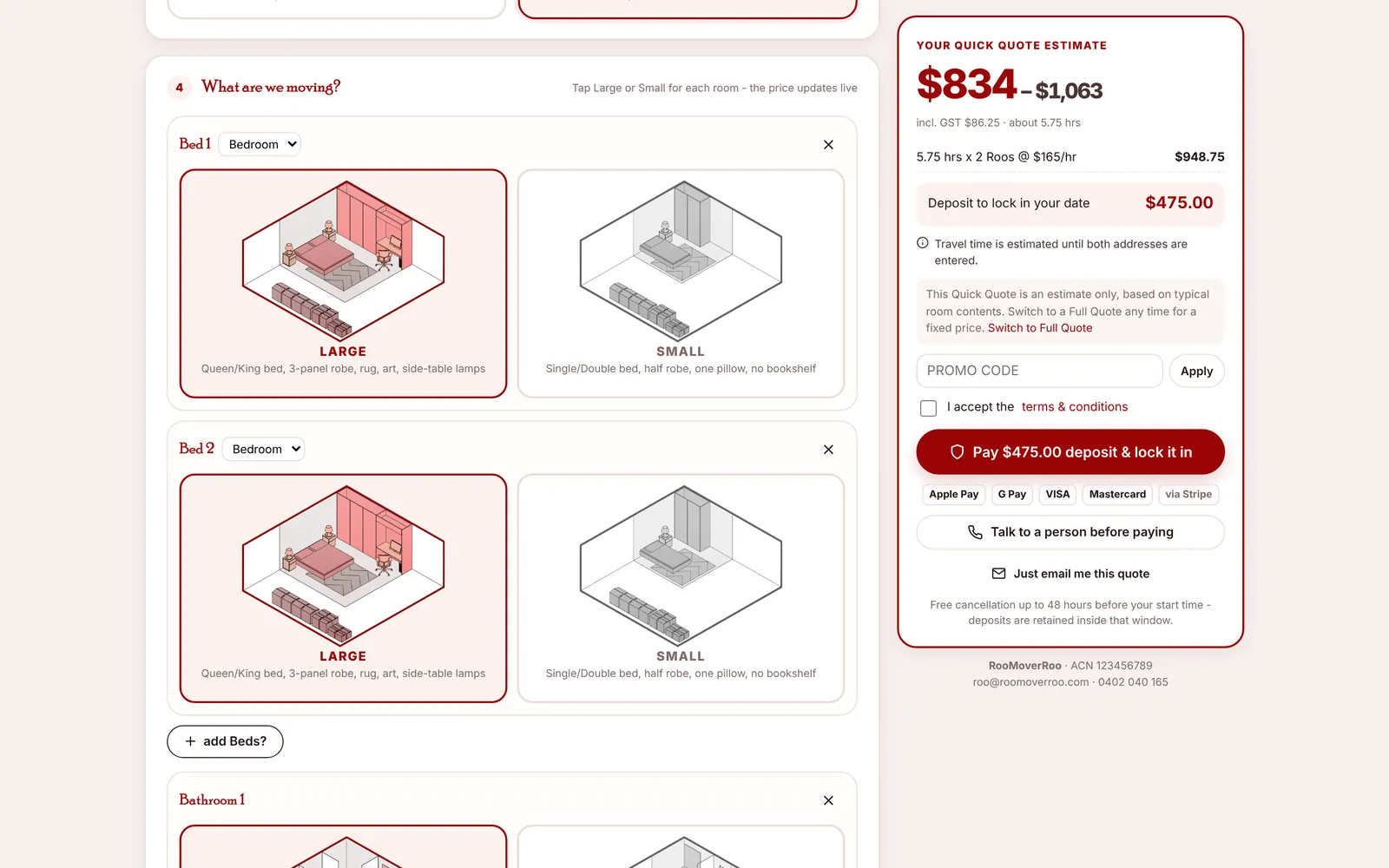
The price panel#
On a computer the price panel stays on the right as the client scrolls. On a phone a bar at the bottom shows the price with a Lock it in button that jumps to the end of the form.
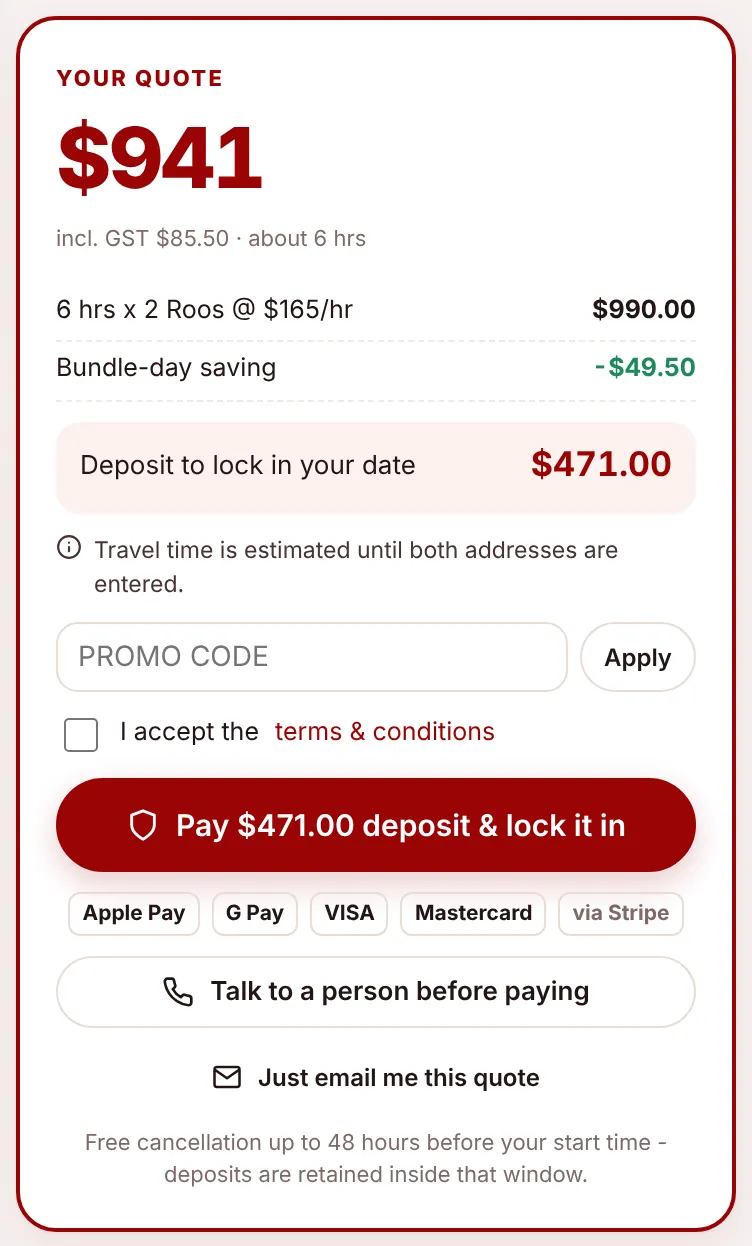
It shows:
- The price including GST (a range on a Quick Quote) and about how many hours.
- The lines that make it up: hours times Roos at the hourly rate, cleaning, tolls, bundle-day saving and promo discount.
- Deposit to lock in your date.
- Any notes, for example “Minimum booking is 4 hours” or “Travel time is estimated until both addresses are entered.”
- A Promo code box with Apply.
- I accept the terms & conditions. The link opens your terms and the “Be ready for your move!” tips.
The three ways to finish#
| Button | What happens |
|---|---|
| Pay $X deposit & lock it in | Needs a date and the terms accepted. Opens Stripe’s secure payment page (card, Apple Pay, Google Pay). Once paid, the booking becomes a job. If online payments aren’t switched on, the client sees your bank details instead (“Nearly there!”). |
| Talk to a person before paying | Needs a date. Saves the quote as Awaiting Call and alerts the office. The client sees “We’ll give you a call”. Only shown if this option is on in Settings. |
| Just email me this quote | Saves the quote and emails it with a PDF booking sheet. A date isn’t needed. |
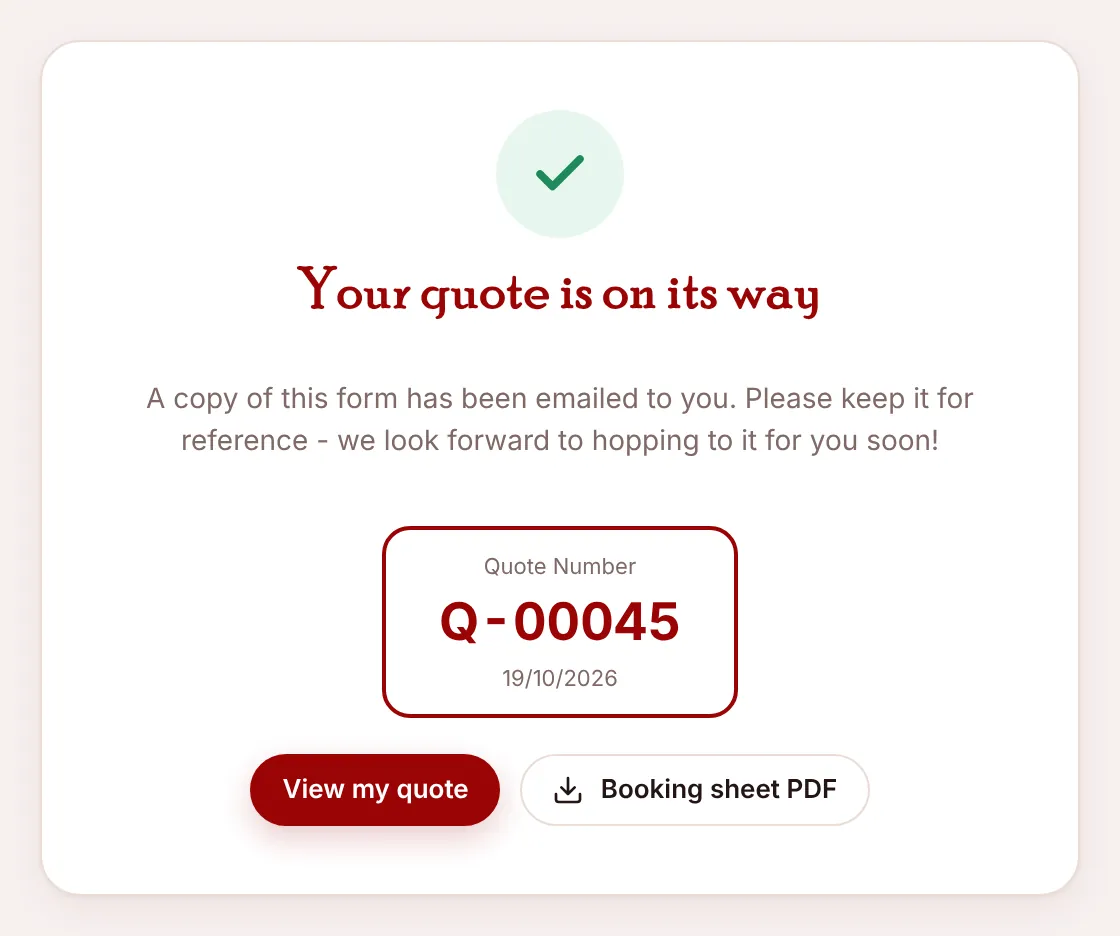
If something’s missing, a “Still needed:” list appears above the buttons, for example “Choose how many Roos you need · Phone”. Every finish emails the client a copy and shows their quote number with View my quote and Booking sheet PDF. See Deposit or call first.
Links that fill in the form#
You can link to the form with parts already filled in, for flyers, emails or the website. Add these to /roo/book:
| Add | Does |
|---|---|
?promo=ARCADE10 | Applies a promo code. |
&src=arcade | Records where the client came from: arcade, social, email, referral or phone. Anything else counts as Website. |
&full=1 | Opens on a Full Quote. |
&from_suburb=Mosman&to_suburb=Ryde | Fills in the suburbs. |
&beds=3 | Sets the number of bedrooms. |
&roos=2 | Chooses 1 or 2 Roos. |
&rooms=Bedroom:L,Kitchen:S | Sets exactly which rooms, and Large (L) or Small (S). The website’s room estimator uses this. |
&packing=1&unpacking=1 | Ticks packing and unpacking help. |
&first_name=, last_name, phone, email | Fills in their details. |
&date=2026-11-14 | Picks the date, if it’s bookable. |
Pop-up offers#
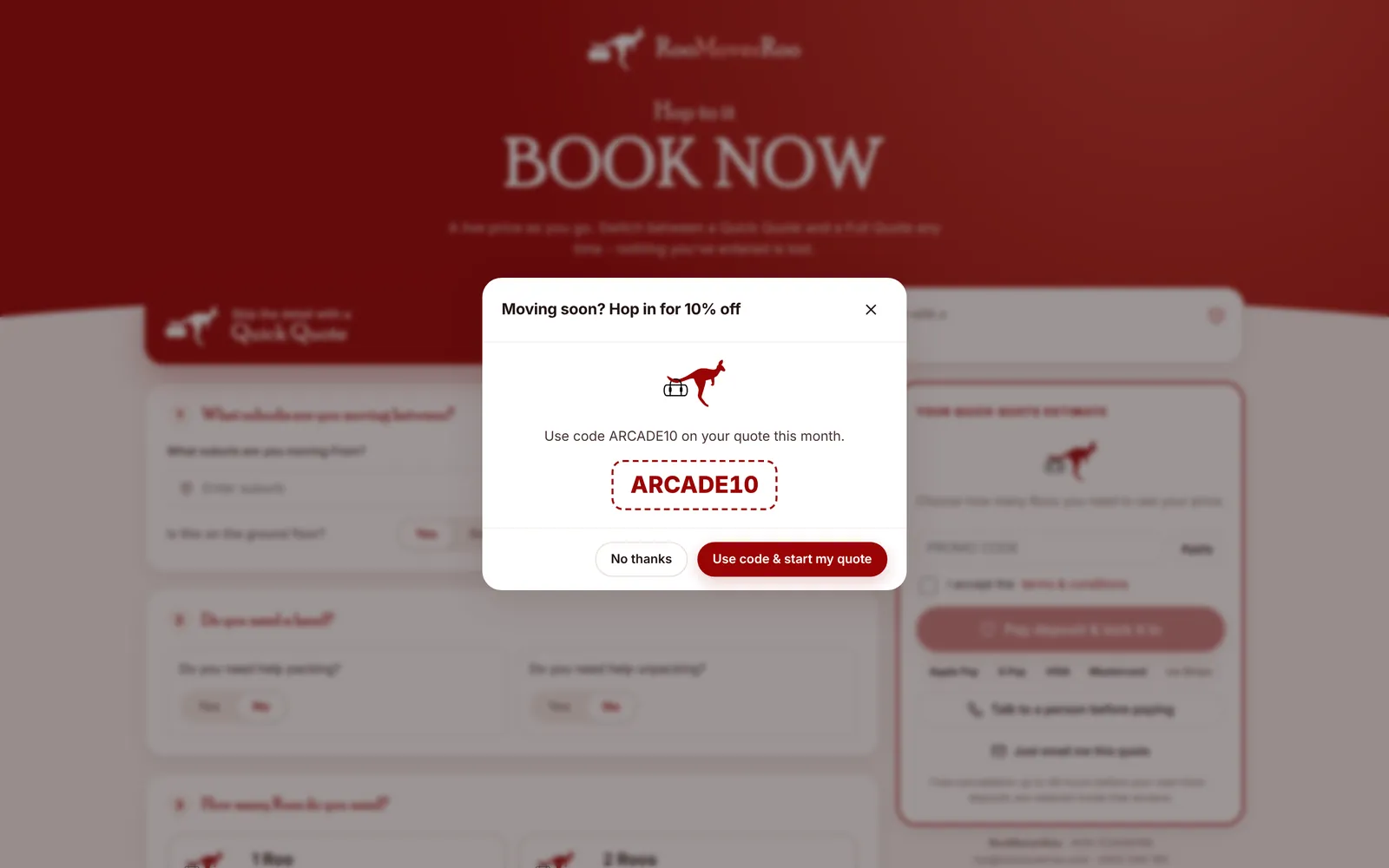
If a promo code is set to show as a pop-up, it appears a moment after the form opens, once per visit. Use code & start my quote applies the code; No thanks closes it. It doesn’t appear when the link already carries a promo code. See Offers and promo codes.
On a phone#