

Running the business
The office's day-to-day: dashboard, review queue, quotes, jobs, the schedule, clients, payments and reports.
This section is for the office. It covers the screens you use every day once bookings start coming in: checking new jobs before the deadline, following up quotes, planning crew and trucks, keeping an eye on payments and seeing how the business is going.
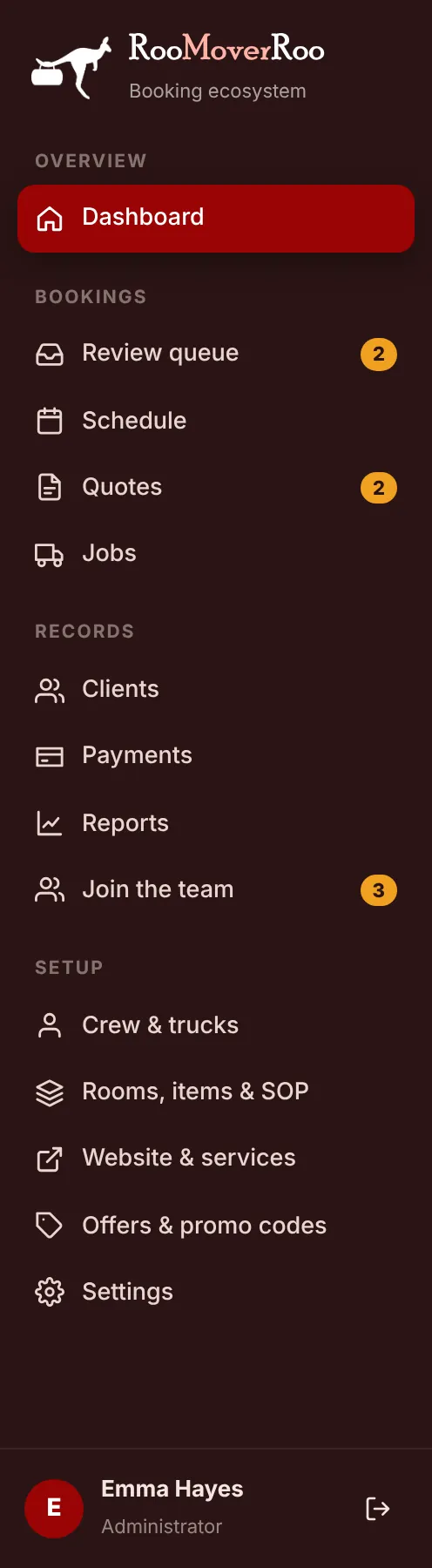
Everything here is in the left-hand menu of the app at /roo, under Overview, Bookings and Records. Roo Admin and Roo Booking users can open all of these screens. A few actions, like recording a payment, refunding or pushing an invoice to Xero, are for Roo Admin users only.
A typical day in the office#
- Start on the Dashboard. It shows what’s waiting for review, who wants a call back and the next two weeks of moves.
- Clear the Review queue. Check each new booking, book agency staff if you need them, and approve it before its review deadline.
- Ring the call backs. Clients who chose to talk before paying are on the Awaiting Call tab of Quotes.
- Plan crew and trucks on each job’s job record, and check the week on the Schedule.
- Follow up money. The Unpaid tab of Jobs lists finished moves with a balance still owing.
In this section
1
Dashboard
Today's numbers, what needs attention, upcoming moves and where bookings come from.
2
Review queue
Check every new booking before its review deadline, then confirm it or waitlist it.
3
Quotes
Find, filter and follow up every quote, including call-back requests.
4
Working on a quote
Open a quote to see the price breakdown, send it, convert it to a job or record the call outcome.
5
Creating a quote for a client
Use the booking form on the client's behalf for phone and walk-in enquiries.
6
Jobs
Every booked move in one list, with status, payment and price-check columns.
7
The job record
Everything about one move: details, crew, truck, trips, items, SOP, payments and history.
8
Schedule and day sheets
The calendar of moves and the start-of-day sheet for each truck.
9
Clients
Every client with their moves, spend and source, built automatically from quotes and jobs.
10
Payments
Deposits, balances and refunds in one list, and where to record a payment taken by hand.
11
Reports
Moves, revenue, the quote funnel, sources, suburbs, quote accuracy and promo codes for any date range.