Deposit or call first
Paying the deposit by card, Apple Pay or Google Pay, or asking for a call before paying.
When a client has their price, they choose how to go ahead. Most pay the deposit to lock in their date. Some would rather talk to a person first. Either way the app saves the quote, emails the client and tells the office what to do next.
Paying the deposit#
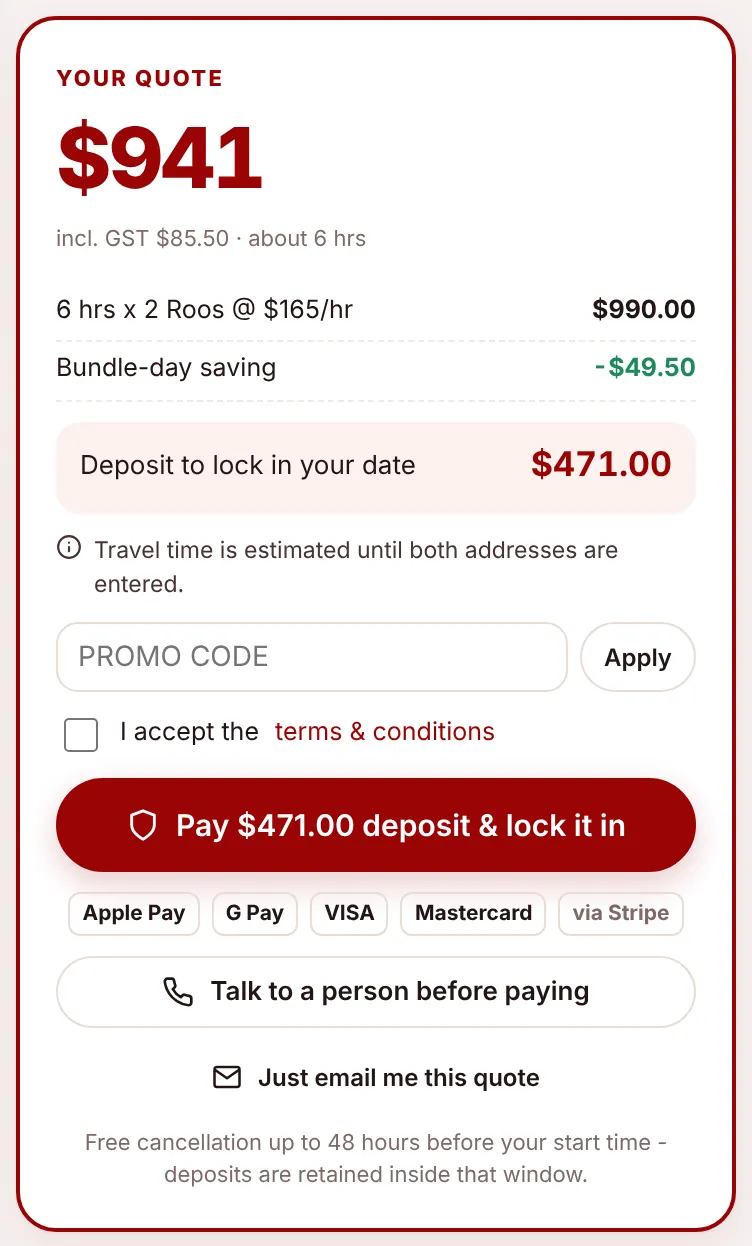
The deposit is 50% of the quote, rounded up to the dollar, with a minimum of $100 (both set in Settings, Pricing). For a Quick Quote it’s based on the middle of the range.
- The client picks a date, ticks I accept the terms & conditions and chooses Pay $X deposit & lock it in.
- They’re taken to Stripe’s secure payment page. Apple Pay and Google Pay appear automatically on devices that support them; otherwise they enter a card.
- When the payment succeeds they come back to their quote page, which shows “Deposit paid”.
- Behind the scenes the quote becomes a job (Pending Review, or Waitlist at short notice). The client gets a “Booking received” email and the office gets “New job to review”.
The card is saved securely with Stripe so the balance can be charged after the move. See Stripe payments.
Talking to a person first#
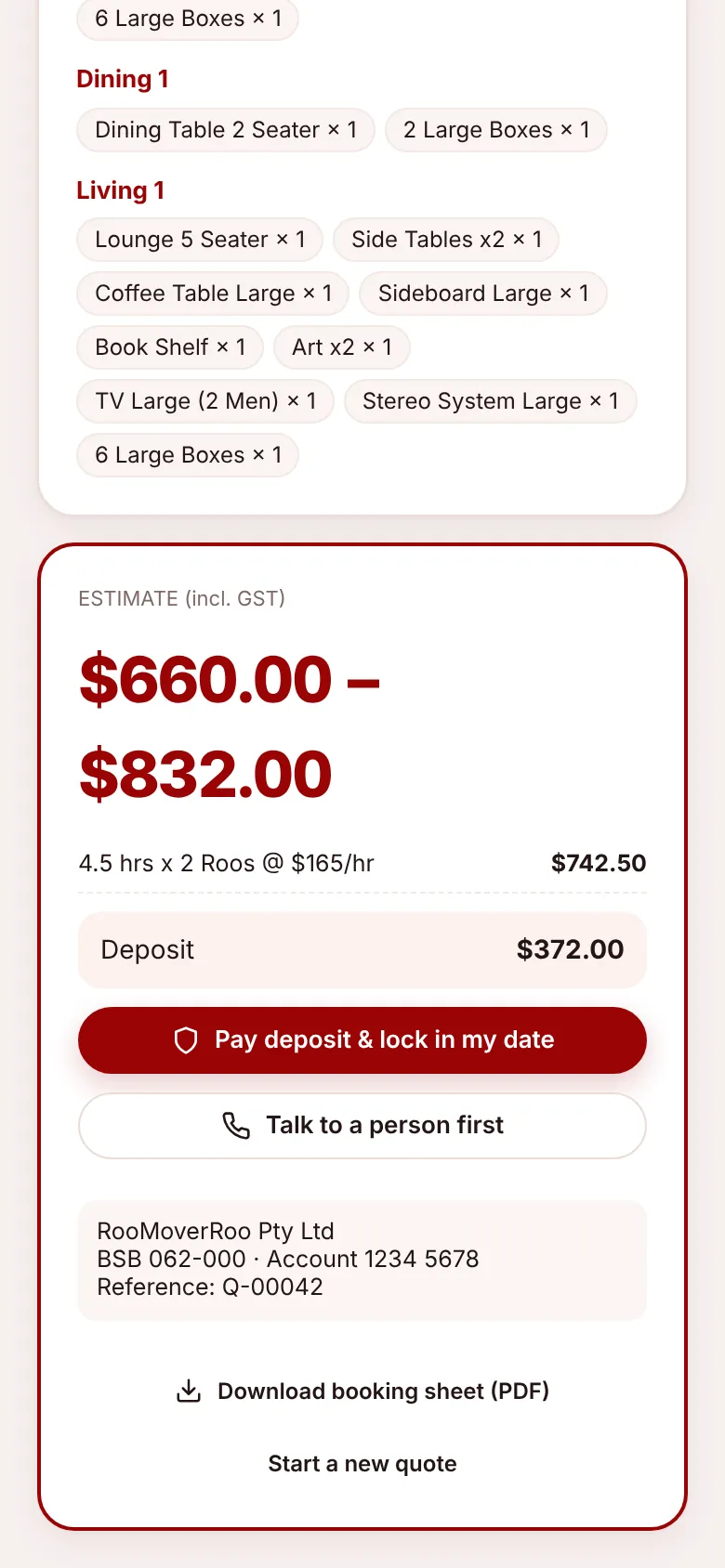
Talk to a person before paying is for clients who’d like to ask questions before they pay. It needs a date but no payment.
- The quote is saved as Awaiting Call, with a call-back status of To Call.
- The client sees “We’ll give you a call” and gets an email saying someone will ring them before they pay anything.
- The office gets “Call back requested”. The quote appears under Call backs on the dashboard and in the Awaiting Call tab of Quotes, and the Quotes menu item shows a badge.
- After calling, record what happened on the quote’s Call back panel (Called – Booked, Called – Thinking, No Answer, Not Interested). See Working on a quote.
Clients can also ask for a call later from their quote page with Talk to a person first. You can hide this option altogether by unticking Offer ‘talk to a person before paying’ in Settings, Booking rules.
Just emailing the quote#
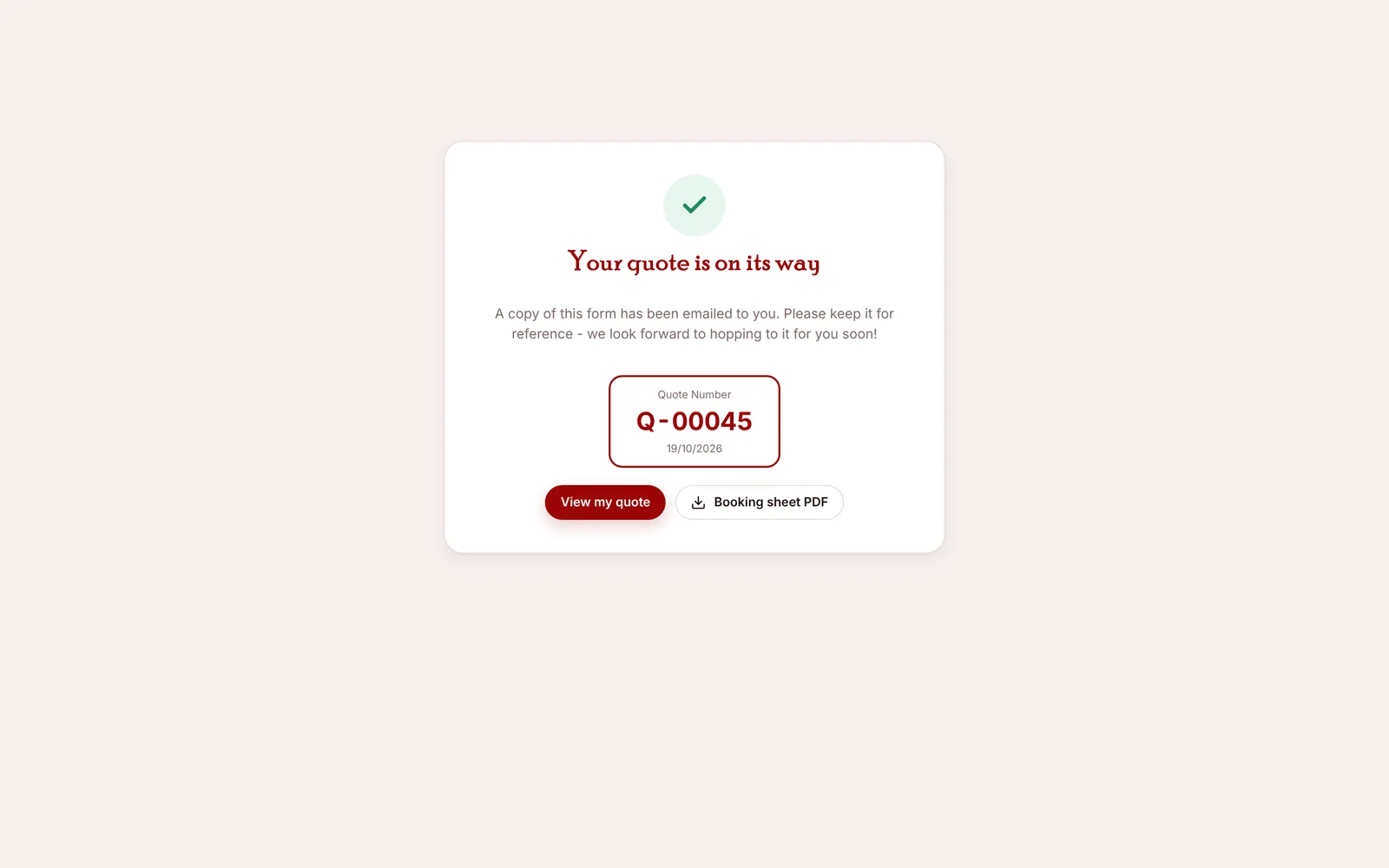
Just email me this quote saves the quote as Quoted and emails it with the booking-sheet PDF. No date is needed. The client can come back to their quote page any time before it expires (30 days by default) to pay the deposit.
What the client receives#
| They chose | Screen | |
|---|---|---|
| Pay deposit | “Your RooMoverRoo quote” with the PDF, then “Booking received” once paid | Stripe, then their quote page |
| Talk to a person | “We’ll give you a call” | “We’ll give you a call” |
| Just email me | “Your RooMoverRoo quote” with the PDF | “Your quote is on its way” |
Every confirmation shows the quote number with View my quote and Booking sheet PDF.