
Announcement bar, service area and links
The banner across the top, the suburbs you serve, the home base text and your social links.
The Announcement, suburbs & links tab on /roo/website holds the smaller pieces of the website: the bar across the top of every page, the suburbs you serve, the About page’s home base text and your social links.
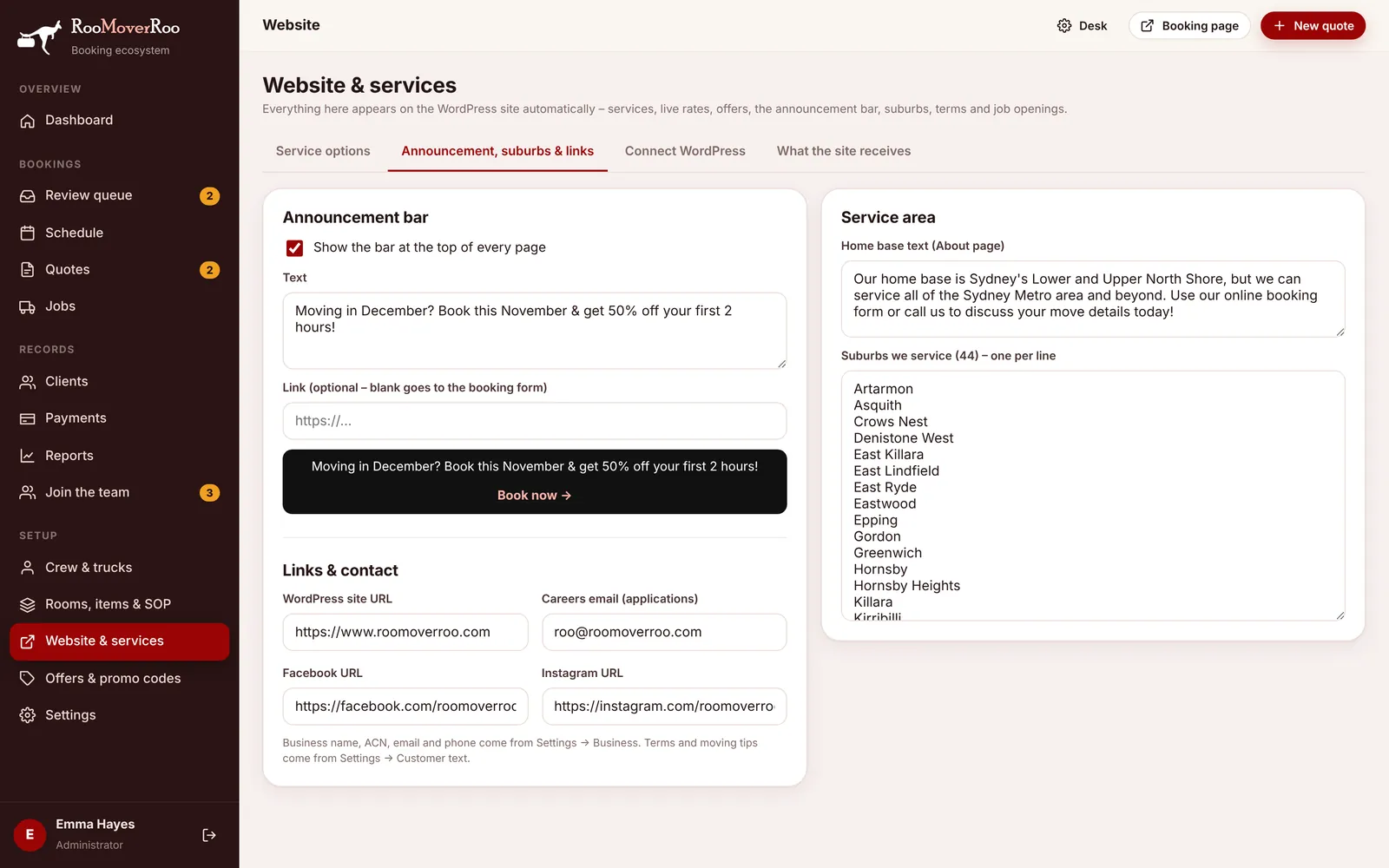
Announcement bar#
A black bar across the top of every page of the website, good for seasonal offers or notices.
- Tick Show the bar at the top of every page.
- Type the message in Text, for example “Moving in December? Book this November & get 50% off your first 2 hours!”.
- Optional: add a Link. Leave it blank and the bar opens the booking form.
- Check the preview under the fields, then press Save in the bar at the bottom.
Visitors can close the bar. It stays closed for them until you change the message, then it shows again.
Links and contact#
| Field | Used for |
|---|---|
| WordPress site URL | The website’s address, used for links from the app back to the site. |
| Careers email (applications) | Where new job applications are emailed. If it’s blank, the owner’s notification email is used. |
| Facebook URL and Instagram URL | The social icons in the website footer. Leave blank to hide them. |
The business name, ACN, email and phone on the website come from Settings, Business. The terms and the “Be ready for your move” tips come from Settings, Customer text.
Service area#
- Home base text appears on the website’s About page, for example “Our home base is Sydney’s Lower and Upper North Shore…”.
- Suburbs we service, one per line. The label shows how many there are. They appear on the website’s suburb list and power the “Do you move in my suburb?” checker. A suburb that isn’t on the list doesn’t turn anyone away: the checker invites them to get a quote anyway.