

Moving day
For the Roos: the job sheet on your phone, the SOP, items and trips, finishing the job and the start-of-day check.
This section is for the Roos. Everything you need on moving day is on your phone: the start-of-day truck check, then a job sheet for each move. You don’t need a login. The office sends you a private link for each one.
A move goes like this:
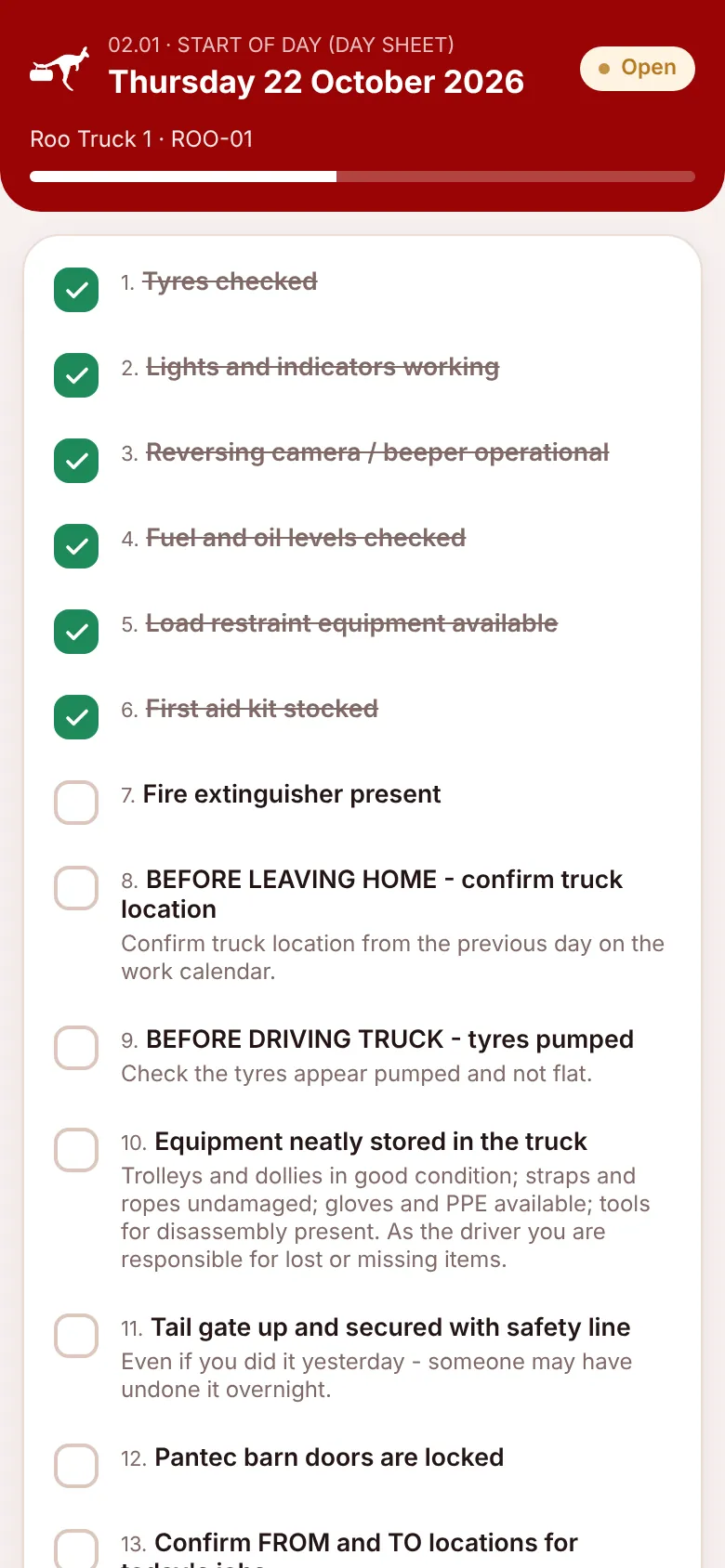
- Before the first job, the driver opens the start-of-day sheet and checks the truck.
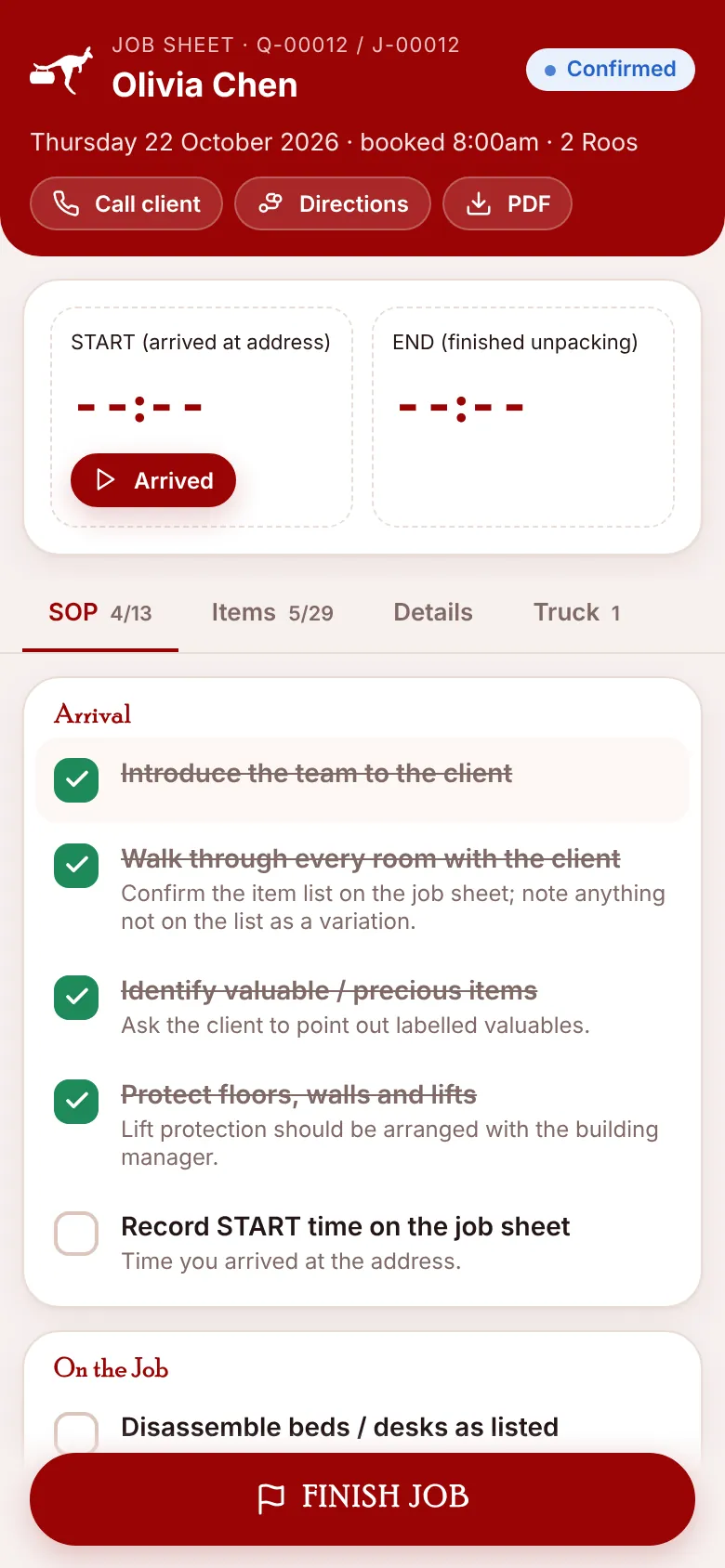
- At the address, open the job sheet and press Arrived. The clock starts.
- During the job, tick the SOP steps, tick items as they’re loaded and update the truck trips.
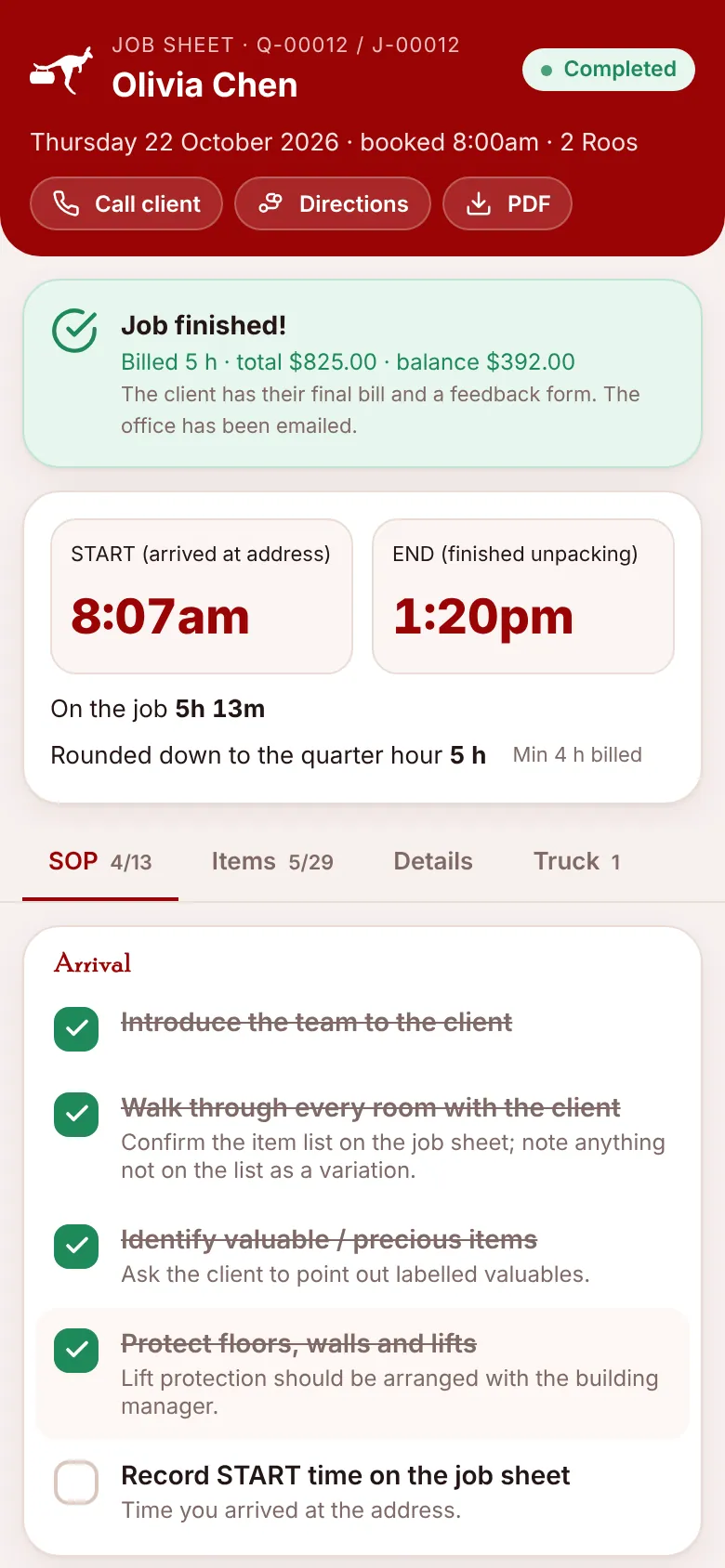
- When you finish unpacking, press FINISH JOB. The client gets the final bill and the office gets an email.
In this section
1
The crew job sheet
Open the job on your phone and work through it from arrival to finish.
2
Items and truck trips
Tick items as they're loaded, move each truck trip from Planned to Delivered, and add a trip when the truck is full.
3
Finishing the job
Record start and finish times, variations and notes, then press FINISH JOB.
4
Start-of-day sheet
The truck check every driver completes before the first job.
5
After the move
The final bill, the balance payment, feedback and the thank-you code.