
After the move
The final bill, the balance payment, feedback and the thank-you code.
When the crew press FINISH JOB, the client is sent everything to close off the move: the final bill, a way to pay any balance, a short feedback form and a thank-you code. This article shows what the client sees, so the crew and office can answer questions about it.
The “Job complete” email#
The client gets an email with the time on the job (rounded down to the quarter hour, with the minimum), the total including GST, what’s been paid and the balance. It then says one of:
- the balance has been charged to the card they used for the deposit, or
- the balance is due now, with a secure link to pay, or
- the balance is due by bank transfer, with your bank details (when Stripe isn’t set up).
The email ends with a Leave feedback button that opens the feedback page.
The feedback page#
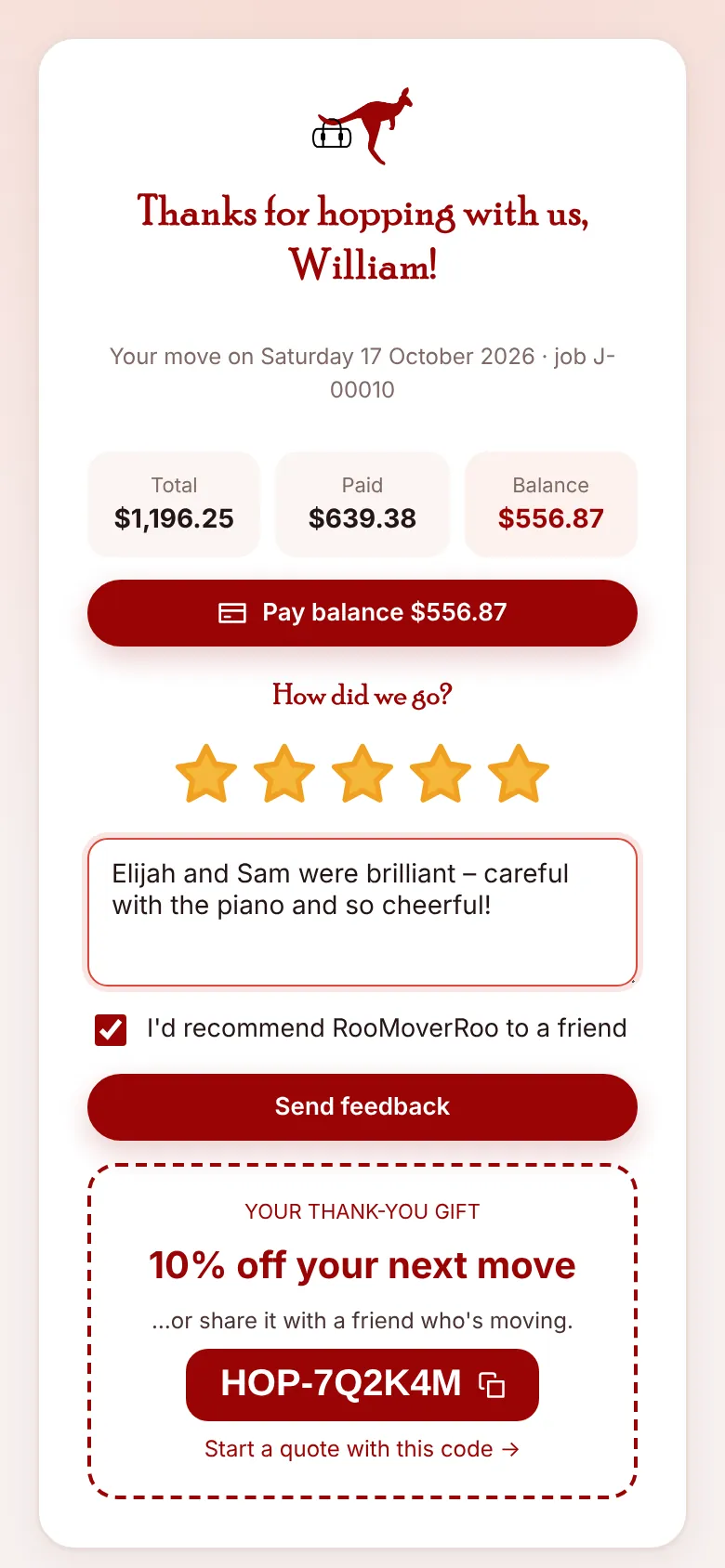
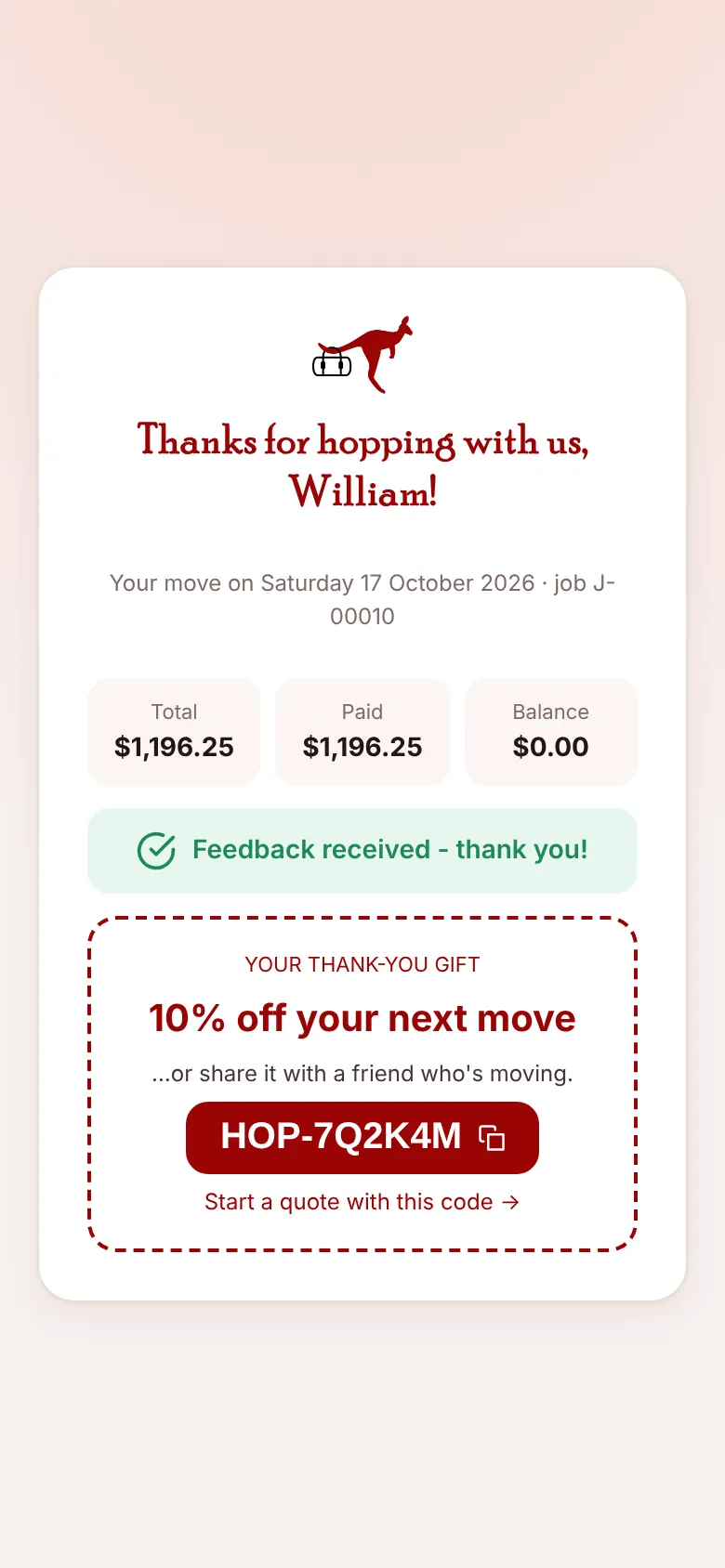
The page thanks the client by name and shows the move date, job number, Total, Paid and Balance.
- Pay balance. If there’s still a balance, Pay balance takes them to pay by card, or shows the bank details. After paying they see “Payment received – thank you!”.
- Rating. They tap one to five stars, add a comment if they like and tick I’d recommend RooMoverRoo to a friend. Send feedback saves it to the job and emails the office.
- Thank-you gift. A personal code, such as HOP-7Q2K4M, for 10% off their next move or a friend’s. They can copy it, or tap Start a quote with this code →.
The thank-you code#
Every finished job gets its own code automatically. It starts with HOP-, gives the discount set in Settings (10% by default), can be used twice and lasts a year. It also appears on the Offers & promo codes screen, marked as a thank-you code, so you can see when it’s used.
Where the office sees it#
On the job record, the Billing tab shows the final bill and payments, and the Activity tab shows the feedback (stars, comment, would recommend) and the thank-you code. If the client lost the email, the office can use Re-send completion email + feedback form on the Billing tab.