
Settings reference
Every setting, what it does and its default.
Settings holds the numbers and words that run the business: your details, prices, booking rules, the text clients read, and the connections to Stripe, Xero, Outlook and Google Maps. Open it from the bottom of the menu, or go to /roo/settings.
Pick a tab on the left. The first four tabs (Business, Pricing, Booking rules and Customer text) can be viewed by all office staff. The connection tabs and Demo data are only shown to Roo Admin users, and only Roo Admin users can save.
Saving changes#
As soon as you change something, a dark bar appears at the bottom saying Unsaved changes, with Discard and Save settings. Nothing takes effect until you save. Saved changes are used by the next quote anyone prices. Quotes and jobs already saved keep their prices.
Business#
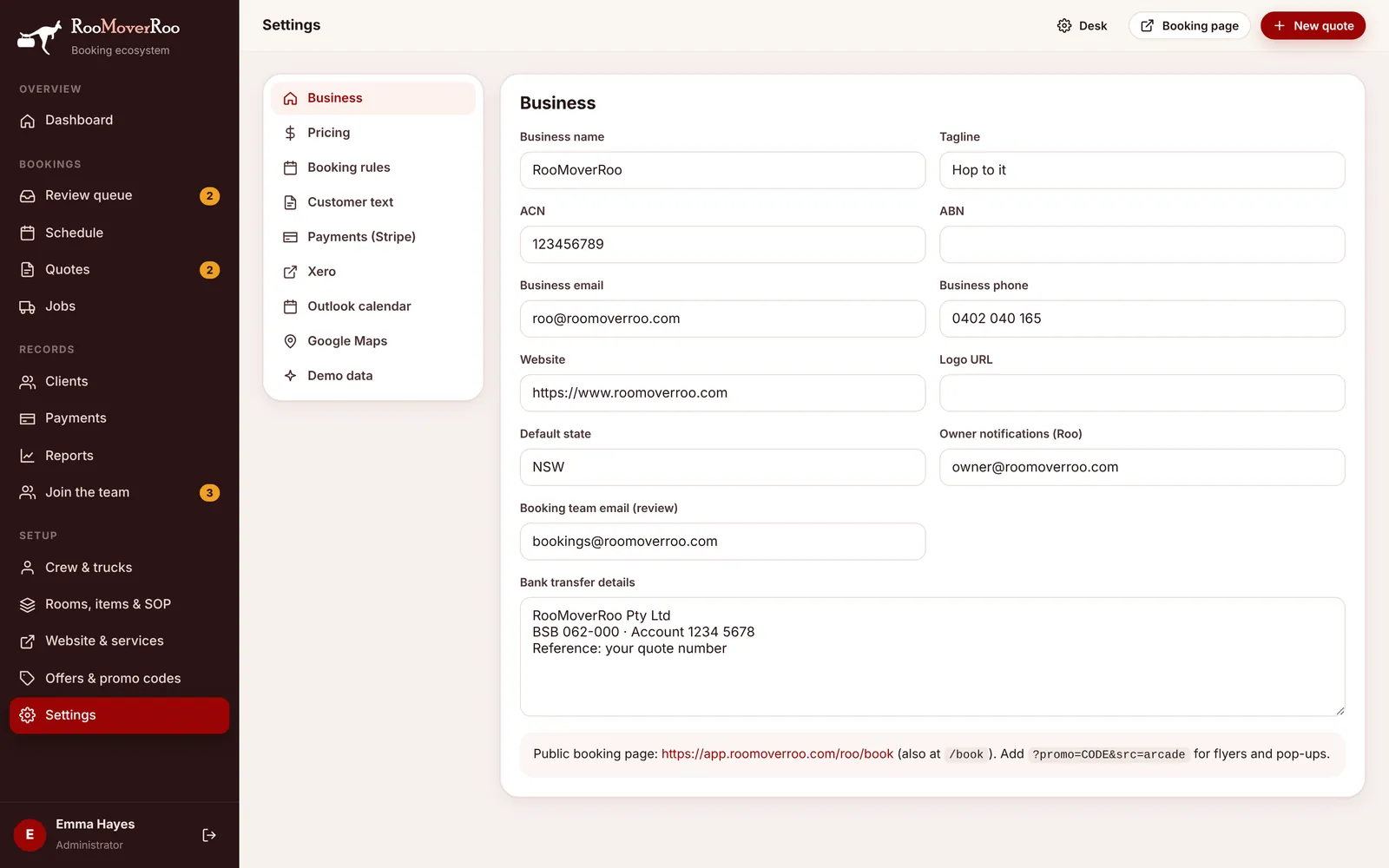
| Setting | What it does | Default |
|---|---|---|
| Business name | Shown on the booking form, quote PDFs, the top of every email and the website. | RooMoverRoo |
| Tagline | Shown under the name in email headers and on the website. | Hop to it |
| ACN, ABN | Printed on the booking form footer, PDFs and email footers. | Blank |
| Business email | Your public email, in email footers and on the booking form. | roo@roomoverroo.com |
| Business phone | Your public phone number. | 0402 040 165 |
| Website | Your website address. | https://www.roomoverroo.com |
| Logo URL | An optional logo image address, shared with the booking form and website. | Blank |
| Default state | The state used for addresses when none is given, for example in travel lookups. | NSW |
| Owner notifications (Roo) | Receives the office emails: new jobs to review, call-back requests, copies of job sheets, finished jobs, feedback, cancellations and review reminders. | Blank |
| Booking team email (review) | Receives the same office emails. Put the booking team’s shared inbox here. If both addresses are the same, the email is sent once. | Blank |
| Bank transfer details | Shown to clients who pay by bank transfer, and in the “Job complete” email when the balance can’t be charged by card. | Blank |
See Emails the app sends for exactly who gets what.
Pricing#
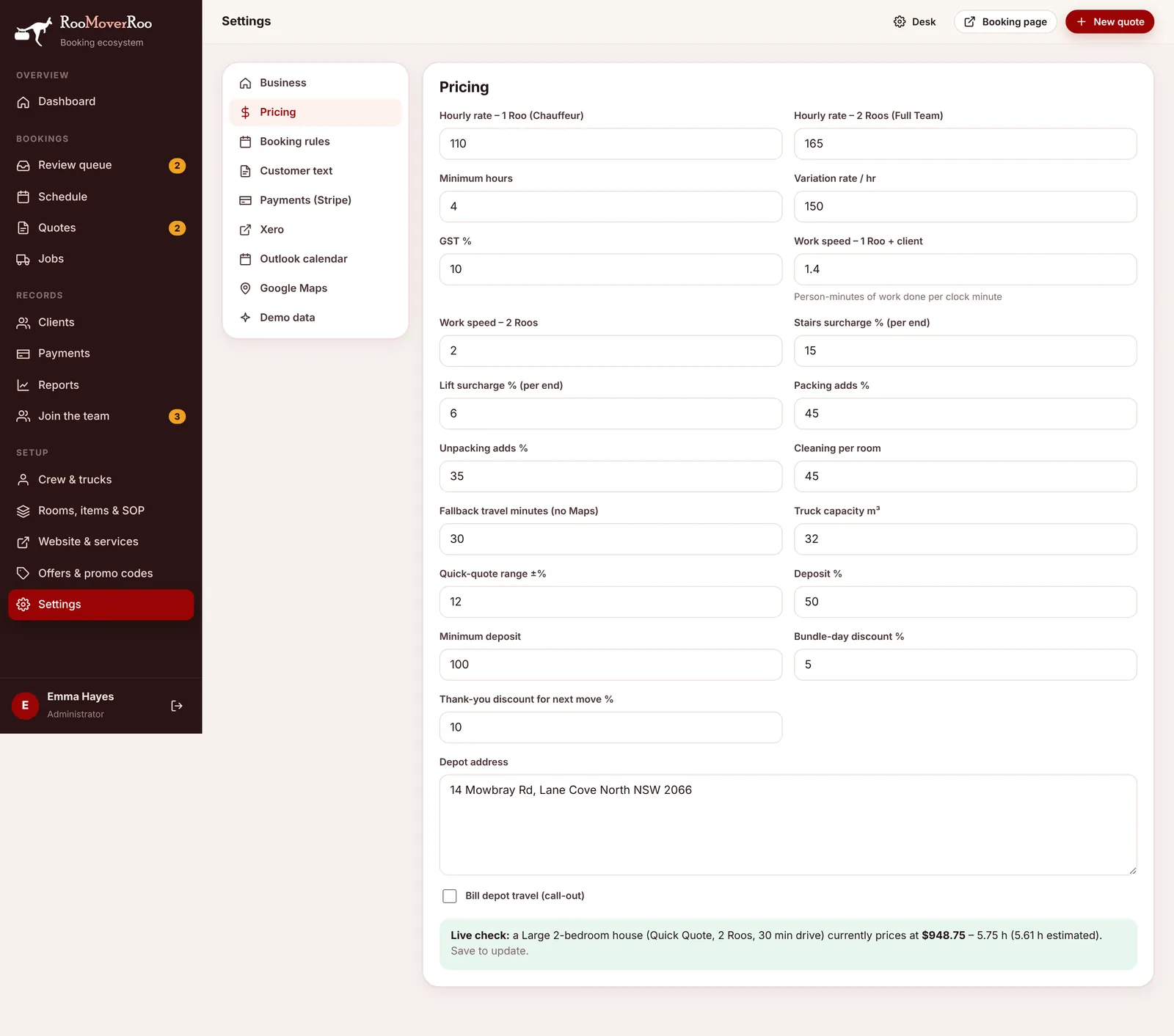
All prices include GST. How the numbers combine is explained in How prices are worked out.
| Setting | What it does | Default |
|---|---|---|
| Hourly rate – 1 Roo (Chauffeur) | The rate for one Roo with the client helping. | $110 |
| Hourly rate – 2 Roos (Full Team) | The rate for two Roos. | $165 |
| Minimum hours | The least any quote or final bill can be. | 4 |
| Variation rate / hr | Stored for reference and sent to the website. The final bill currently charges variation hours at the job’s own hourly rate, not this rate. | $150 |
| GST % | Used to show the GST included in prices. | 10 |
| Work speed – 1 Roo + client | Person-minutes of work done per clock minute when one Roo works with the client. | 1.4 |
| Work speed – 2 Roos | The same for two Roos. | 2 |
| Stairs surcharge % (per end) | Added to handling time for each address that isn’t ground floor, unless it has a lift. | 15 |
| Lift surcharge % (per end) | Added for each address that isn’t ground floor and has a lift. | 6 |
| Packing adds % | Extra handling time when the client wants help packing. | 45 |
| Unpacking adds % | Extra handling time for help unpacking. | 35 |
| Cleaning per room | Charged per room that counts for cleaning, when the client adds cleaning. | $45 |
| Fallback travel minutes (no Maps) | One-way travel time used when Google Maps can’t give one. | 30 |
| Truck capacity m³ | How much one truck load holds. Bigger loads need extra trips, and each extra trip adds two more drives. | 32 |
| Quick-quote range ±% | How wide the Quick Quote price range is either side of the estimate. | 12 |
| Deposit % | The deposit as a share of the quote. | 50 |
| Minimum deposit | The smallest deposit (never more than the quote itself). | $100 |
| Bundle-day discount % | The saving for booking a day that already has a job. | 5 |
| Thank-you discount for next move % | The value of the HOP- code each client gets after their move. 0 turns them off. | 10 |
| Depot address | Where the trucks are based. Kept for reference. | Blank |
| Bill depot travel (call-out) | Kept with the depot address for reference. Quotes currently price the drive between the client’s two addresses only. | Off |
Booking rules#
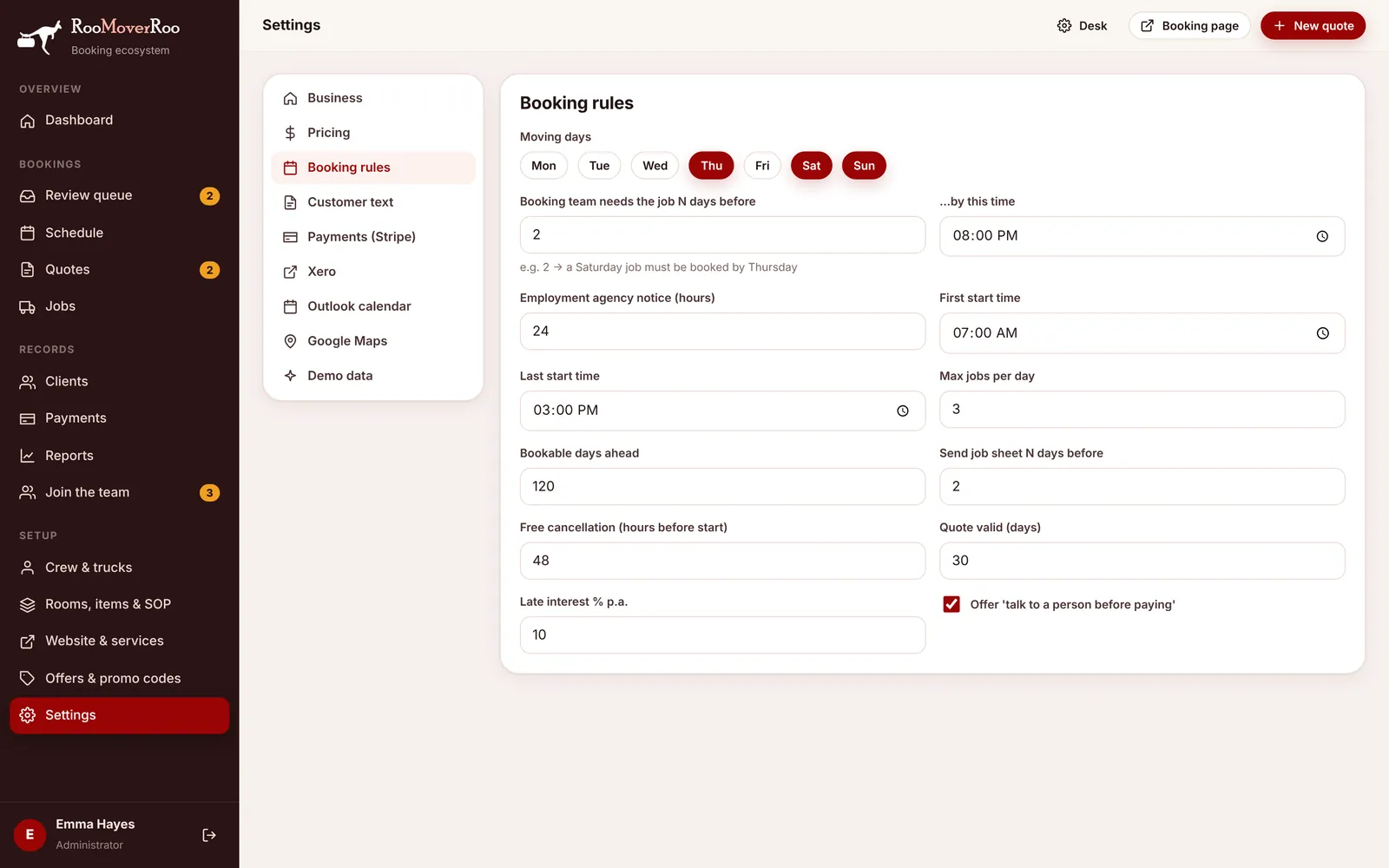
| Setting | What it does | Default |
|---|---|---|
| Moving days | Click the days you move. Other days can’t be picked on the booking form. | Thu, Sat, Sun |
| Booking team needs the job N days before | Sets each job’s review deadline. With 2, a Saturday job must be booked by Thursday. | 2 |
| …by this time | The time of day on that deadline. Bookings after it go on the short-notice waitlist. | 8:00 pm |
| Employment agency notice (hours) | Sets each job’s agency deadline: this many hours before the start time. | 24 |
| First start time, Last start time | The start times clients can choose, every 30 minutes between these two. | 7:00 am to 3:00 pm |
| Max jobs per day | When a day has this many jobs it shows as fully booked. | 3 |
| Bookable days ahead | How far ahead the calendar goes. | 120 |
| Send job sheet N days before | When the crew get the job sheet and the client gets their reminder. | 2 |
| Free cancellation (hours before start) | Cancel at least this long before the start and the deposit is refunded. Inside it, the deposit is kept. | 48 |
| Quote valid (days) | How long a quote lasts before it’s marked Expired. | 30 |
| Late interest % p.a. | Your late-payment interest rate, for your terms. The app doesn’t charge it automatically. | 10 |
| Offer ‘talk to a person before paying’ | Shows the “Talk to a person before paying” choice on the booking form, so clients can book a call instead of paying straight away. | On |
For how these rules appear to clients, see Dates and start times and Cancellations and refunds.
Customer text#
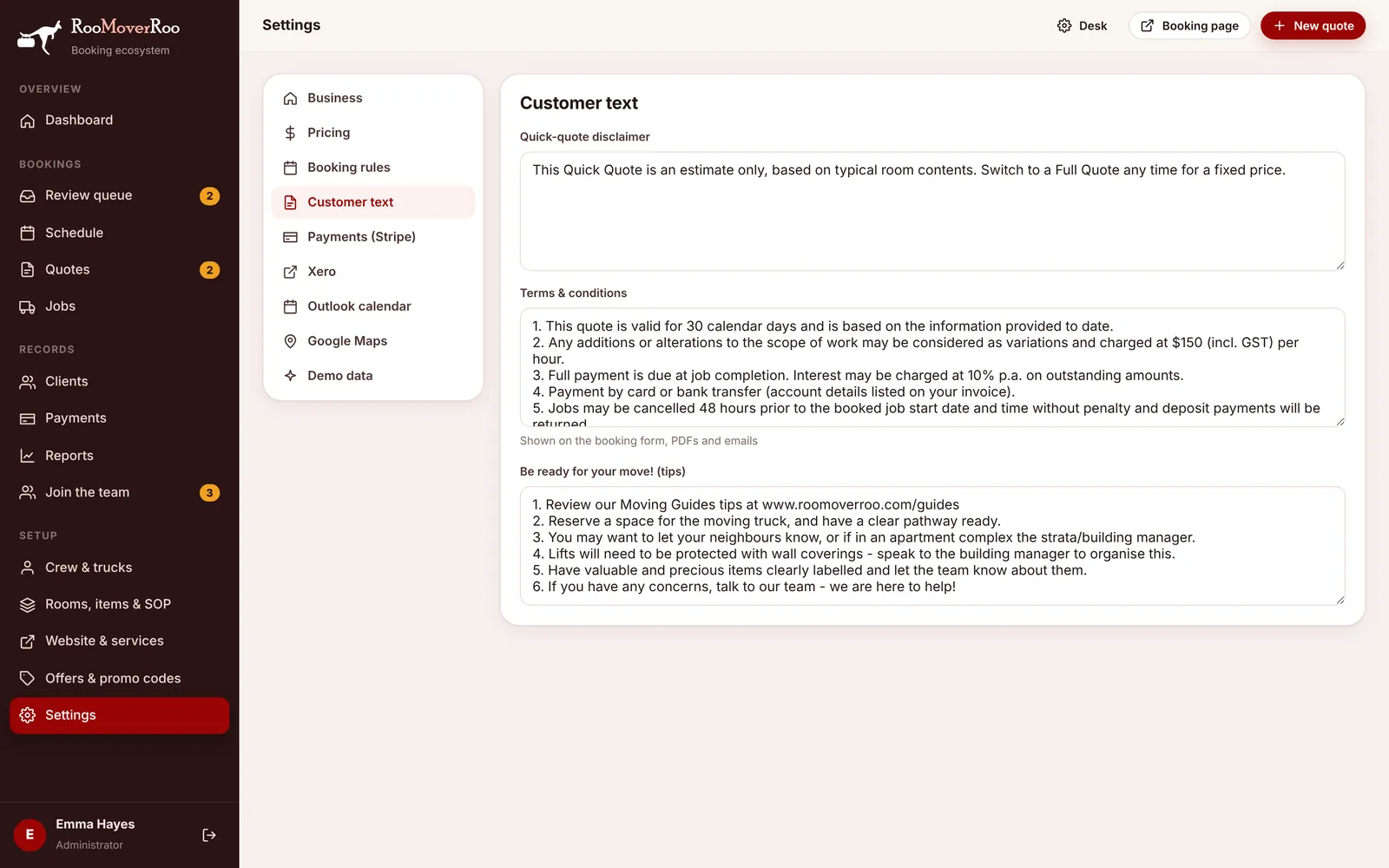
| Setting | What it does | Default |
|---|---|---|
| Quick-quote disclaimer | Shown with every Quick Quote price, on the form and in the quote email. | “This Quick Quote is an estimate only, based on typical room contents. Switch to a Full Quote for a fixed price.” |
| Terms & conditions | Shown on the booking form (clients tick to accept), on PDFs and in emails. | The RooMoverRoo terms: 30-day validity, $150/hr variations, 10% p.a. interest, 48-hour cancellation, rounding down with a 4-hour minimum. |
| Be ready for your move! (tips) | Added to the confirmation email and the “See you in 2 days” reminder. | Six moving tips |
Payments (Stripe)#
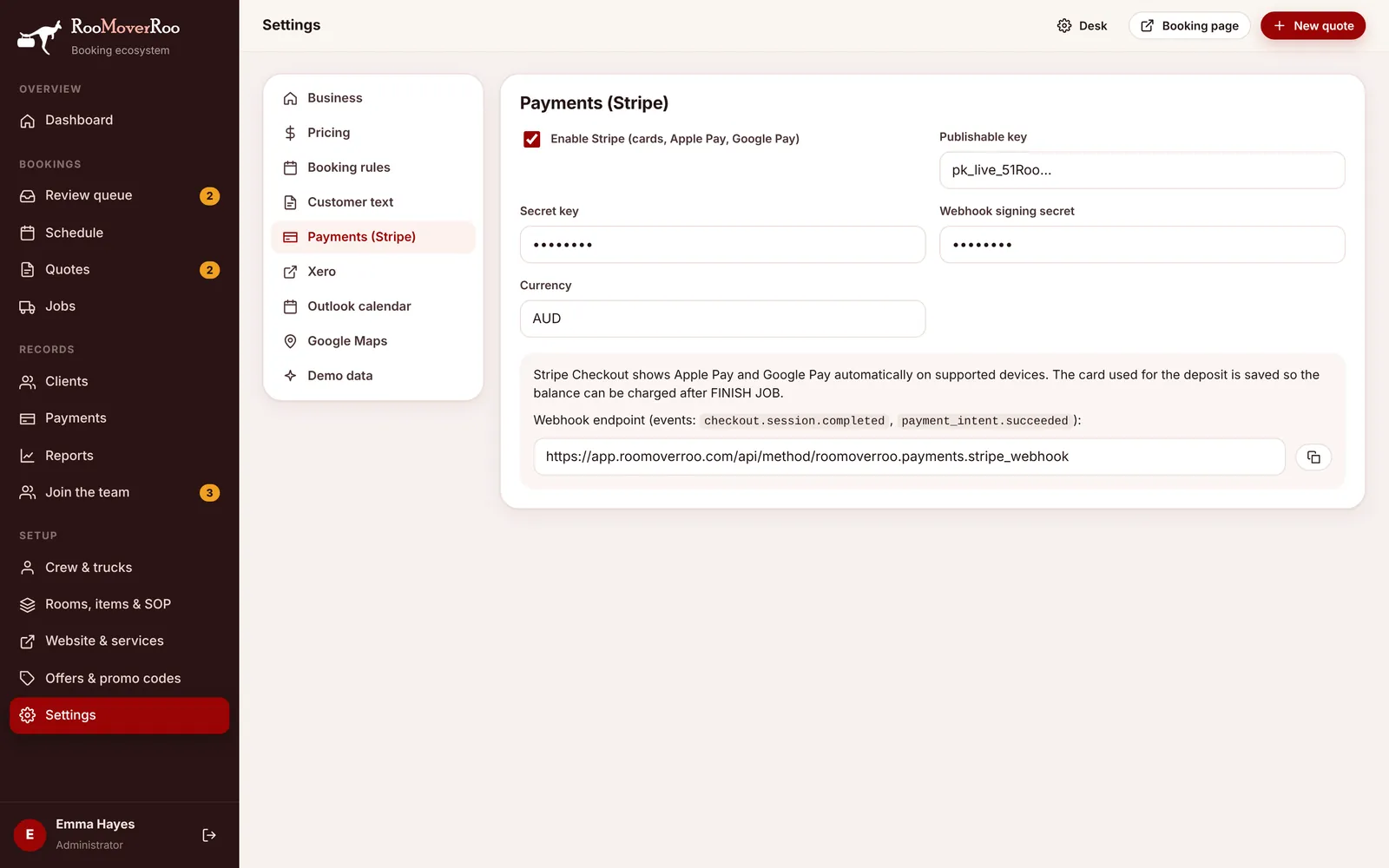
| Setting | What it does | Default |
|---|---|---|
| Enable Stripe (cards, Apple Pay, Google Pay) | Turns on card deposits, balance charges and automatic refunds. | Off |
| Publishable key, Secret key | Your Stripe API keys. | Blank |
| Webhook signing secret | The secret Stripe shows for your webhook endpoint. | Blank |
| Currency | The currency charged. | AUD |
The tab also shows the webhook address with a copy button. Step-by-step setup: Stripe payments.
Xero#
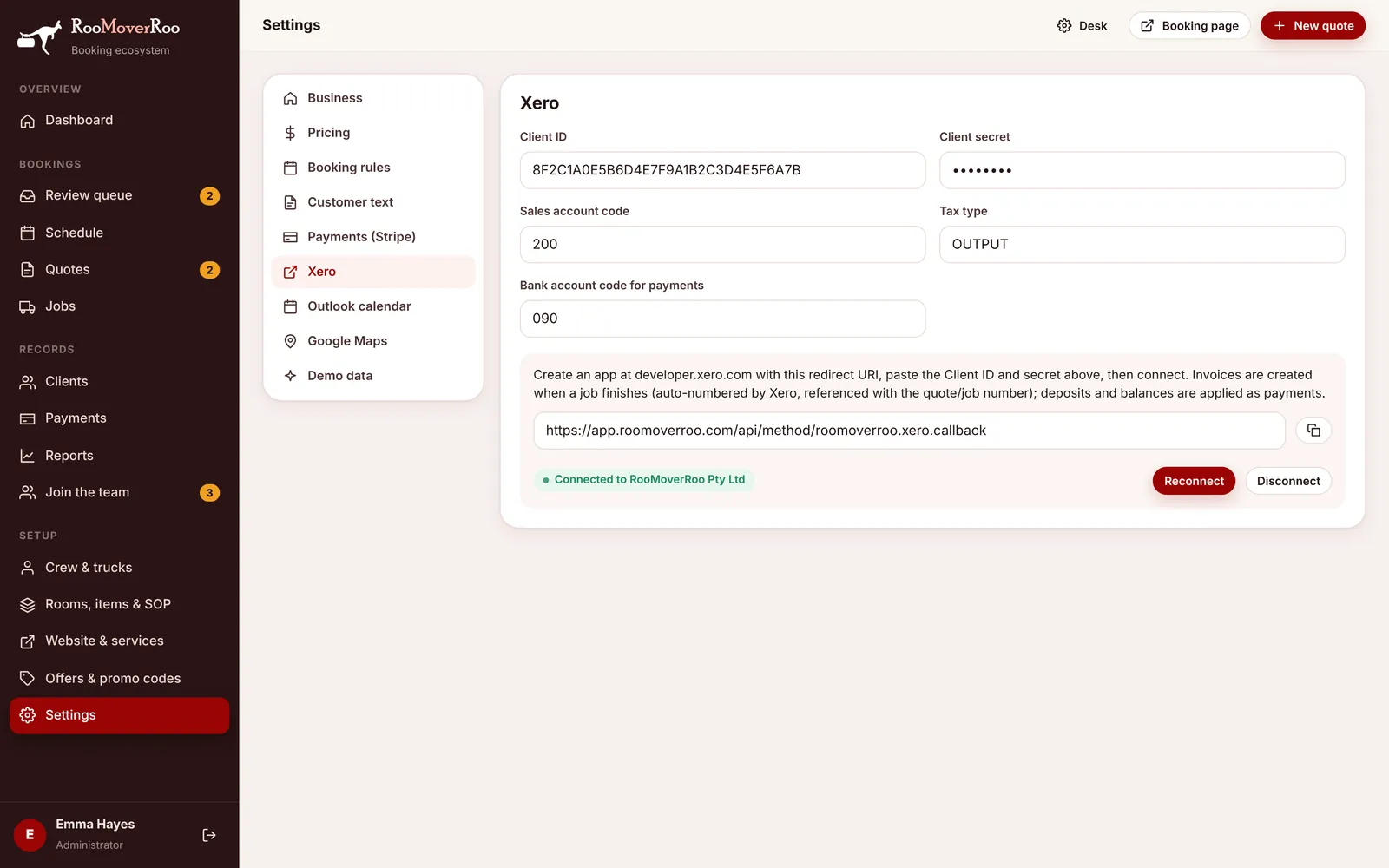
| Setting | What it does | Default |
|---|---|---|
| Client ID, Client secret | From your app at developer.xero.com. | Blank |
| Sales account code | The account invoice lines are posted to. | 200 |
| Tax type | The Xero tax type for invoice lines. | OUTPUT |
| Bank account code for payments | The bank account deposits and balances are paid into. | 090 |
Below the fields are the redirect URI to copy, the connection status, and Connect to Xero (or Reconnect and Disconnect once connected). See Xero accounting.
Outlook calendar#
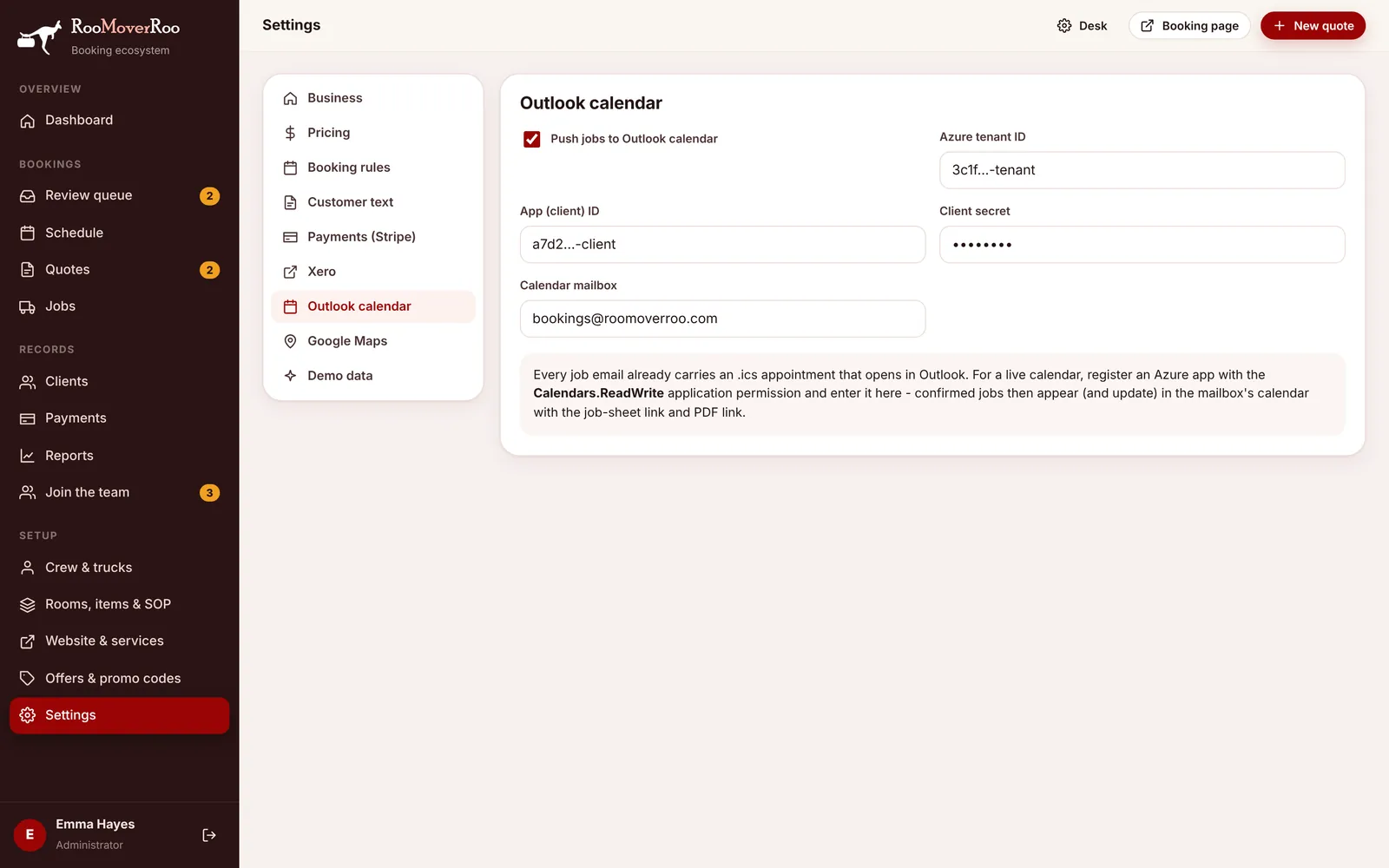
| Setting | What it does | Default |
|---|---|---|
| Push jobs to Outlook calendar | Turns the live calendar on. | Off |
| Azure tenant ID, App (client) ID, Client secret | From your app registration in Azure. | Blank |
| Calendar mailbox | Whose calendar the jobs go into, for example roo@roomoverroo.com. | Blank |
Even without this, every job-sheet email carries a calendar file. See Outlook calendar.
Google Maps#
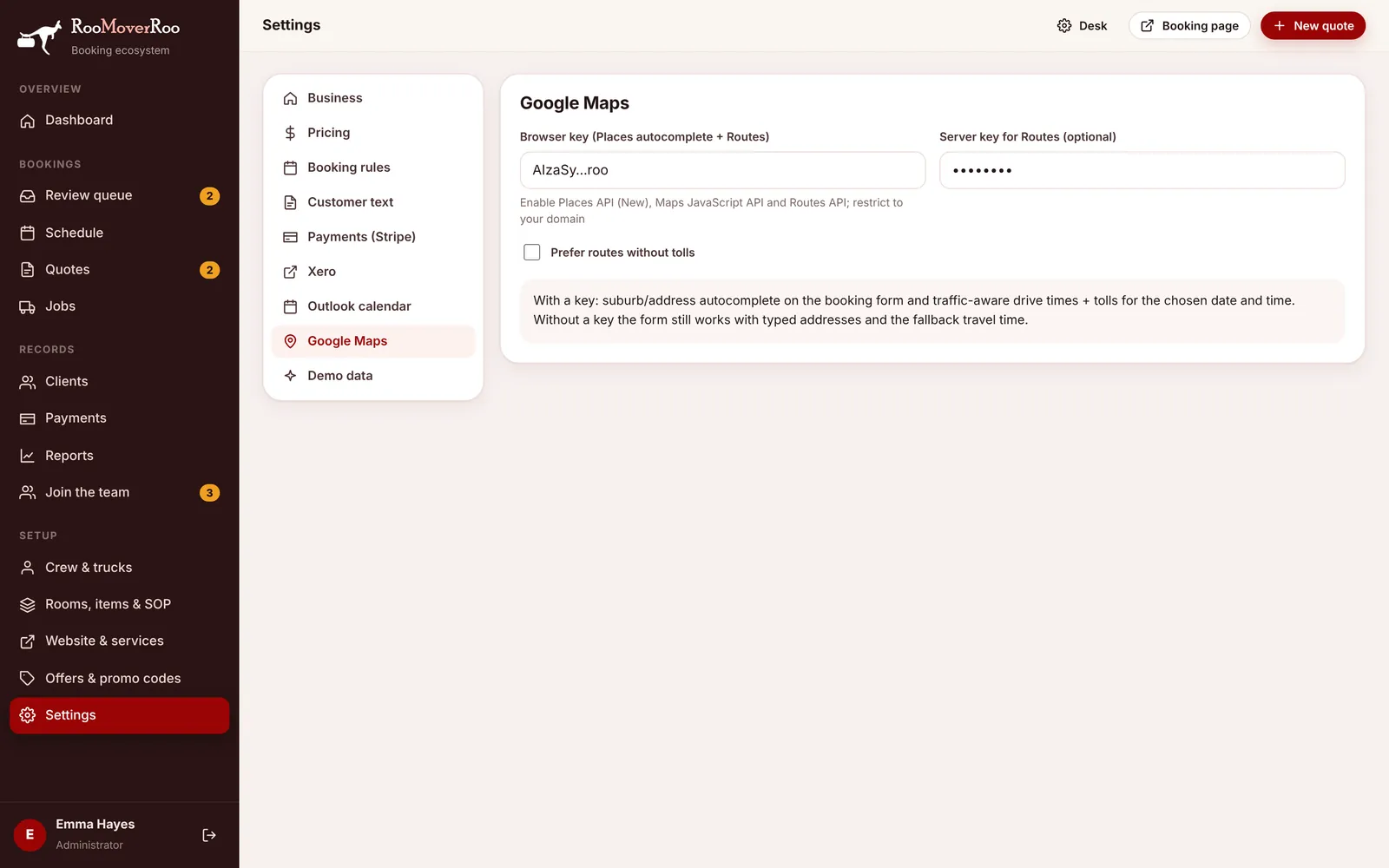
| Setting | What it does | Default |
|---|---|---|
| Browser key (Places autocomplete + Routes) | Address suggestions on the booking form and travel times. Needs Places API (New), Maps JavaScript API and Routes API, restricted to your domain. | Blank |
| Server key for Routes (optional) | A separate key for travel-time lookups from the server. If blank, the browser key is used. | Blank |
| Prefer routes without tolls | Avoid toll roads when working out the route. | Off |
See Google Maps.
Demo data#
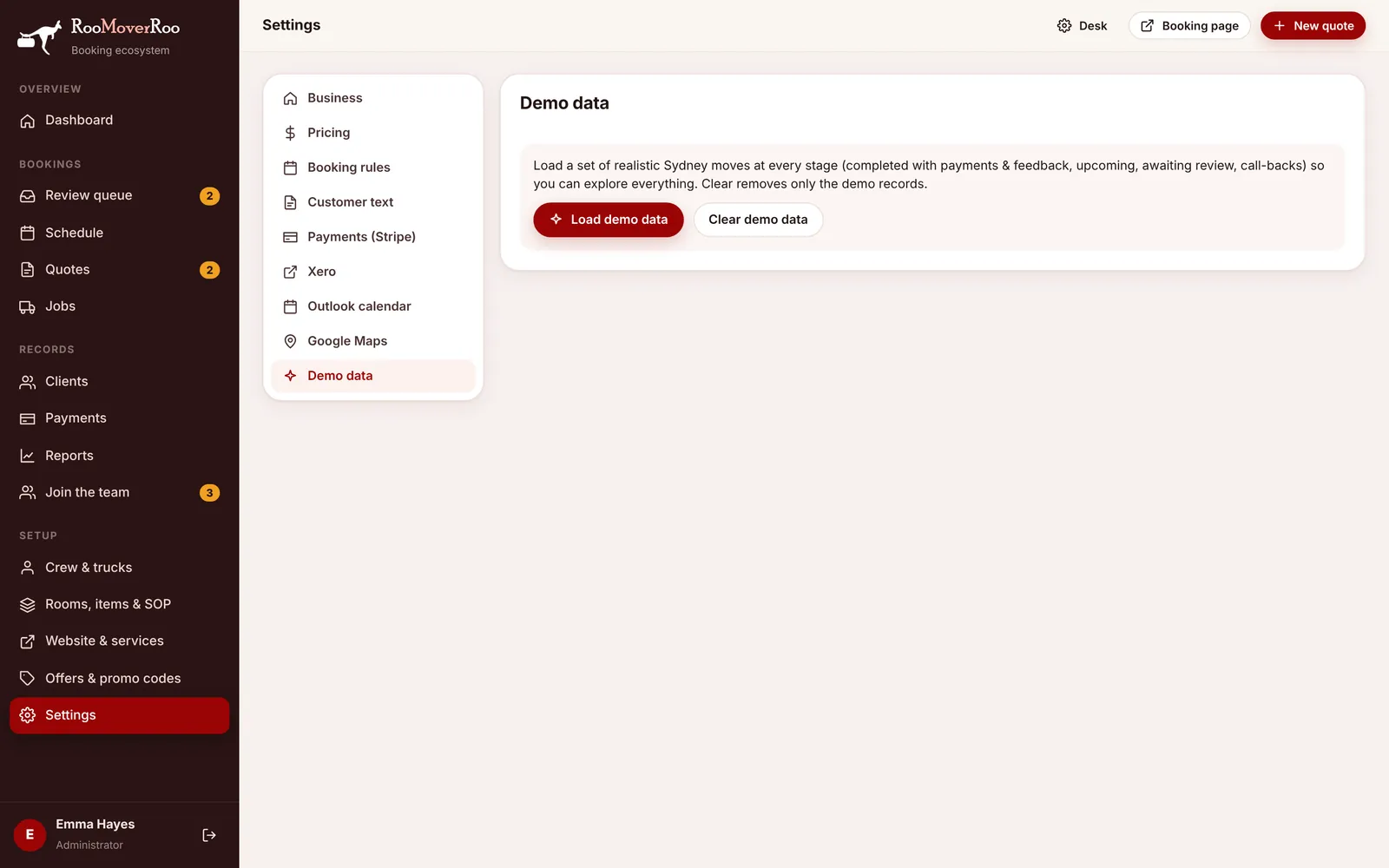
Load demo data adds a set of realistic Sydney moves at every stage: finished jobs with payments and feedback, upcoming jobs, jobs waiting for review and call-back requests. Use it to learn the app or train staff. Clear demo data removes only those demo records, after asking you to confirm. The tab shows “Demo data is loaded” while it’s there.