

Website
Connect the WordPress site and manage what it shows: services, offers, openings and the announcement bar.
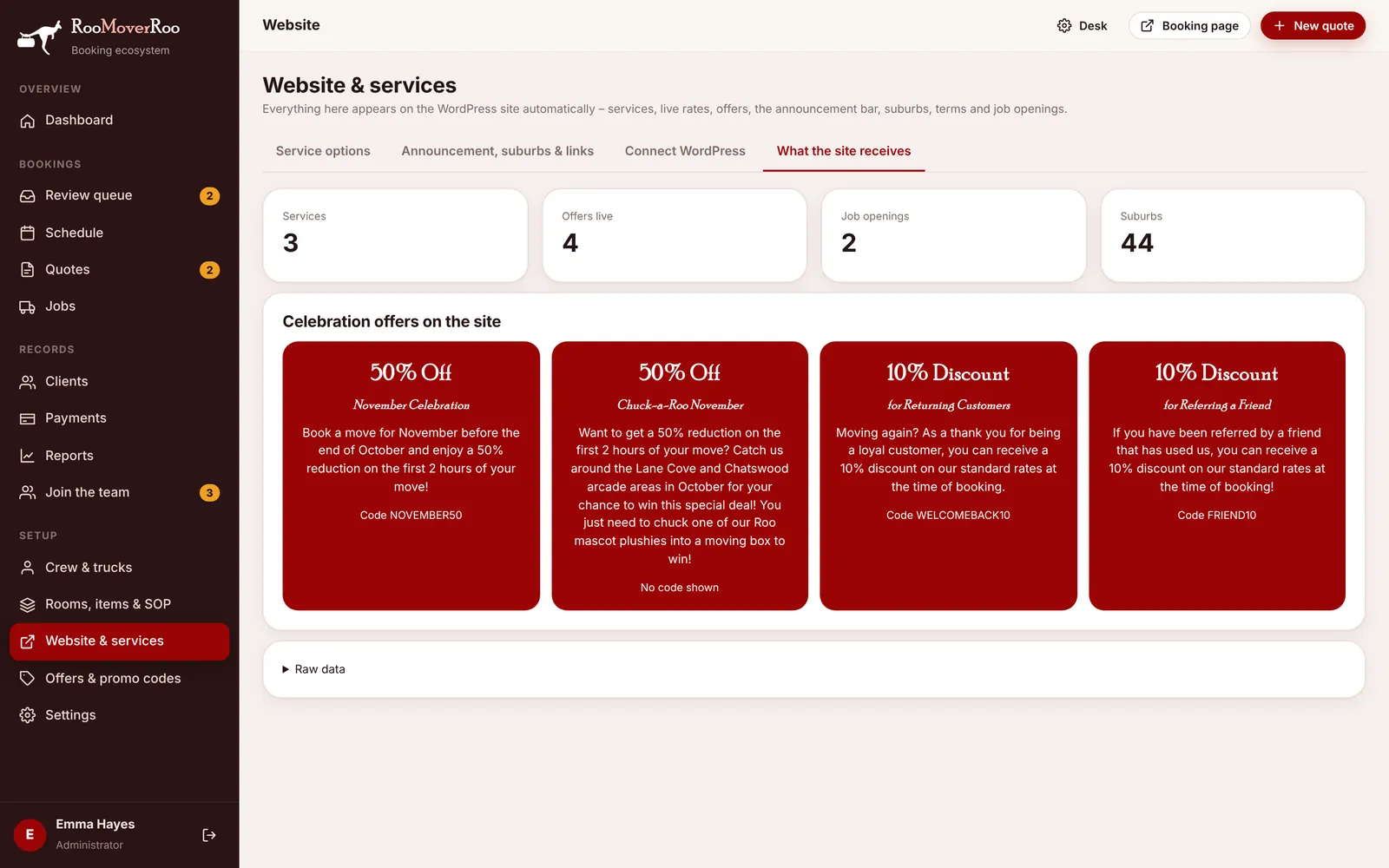
The RooMoverRoo website runs on WordPress, using the RooMoverRoo theme (Version 1 or Version 2). You don’t edit prices, services or offers in WordPress. You change them in the app, and the website picks them up within a few minutes. Enquiries from the website come back into the app.
All of it is managed on the Website & services screen (/roo/website) and the Join the team screen (/roo/team), with offers on Offers & promo codes.
| On the website | Where you change it in the app |
|---|---|
| Service cards and hourly rates | Website & services, Service options. Rates come from Settings, Pricing. |
| Celebration offers | Offers & promo codes, “Show on the website”. |
| Announcement bar | Website & services, Announcement, suburbs & links. |
| Service suburbs and home base text | Website & services, Announcement, suburbs & links. |
| Job openings | Join the team, Positions on the website. |
| Terms and moving tips | Settings, Customer text. |
| Business name, ACN, email, phone | Settings, Business. |
Going the other way, call-back requests arrive as quotes marked Awaiting Call, job applications arrive in Join the team, and every “Get a quote” button opens the app’s booking form.
In this section
1
Connecting the WordPress site
The site key, the app address and testing the connection.
2
Service options
Edit the service cards on the website and where their buttons go.
3
Offers on the website
Choose which promo codes appear as offer cards, and how they read.
4
Job openings and applicants
Advertise roles and work through applications from the website.
5
Announcement bar, service area and links
The banner across the top, the suburbs you serve, the home base text and your social links.
6
The website themes
Version 1 and Version 2, what loads from the app and how the forms reach it.