
Installing the app
Requirements, bench commands and first-time setup.
You need a working Frappe v15 bench with a site, and command-line access to the server. ERPNext is not needed. The app brings its own screens, so after installing you’ll do all the setup from /roo/settings.
What you need#
- Frappe Framework v15 on a bench, with Redis, a worker and the scheduler running.
- A site with a domain and HTTPS. Stripe, Apple Pay and Xero all require HTTPS.
- An outgoing email account set up in Frappe, so quotes, job sheets and receipts can be sent. See Email delivery.
Install#
Run these from the bench folder, replacing <site> with your site name.
cd ~/frappe-bench
bench get-app /path/to/roomoverroo        # or the git URL
bench --site <site> install-app roomoverroo
bench --site <site> migrate
bench build --app roomoverroo
bench restart
Installing creates the three roles, the room and item catalogue, the SOP checklist, the price standards, the default texts and terms, the service options, offers and job openings shown on the website. It also makes RooMoverRoo the site’s default app, so people land on /roo after signing in.
First-time setup#
- Set the time zone. In Frappe’s System Settings, set the time zone to
Australia/Sydney. Review deadlines, short-notice dates and cancellation windows all use it. - Turn on the scheduler. Run
bench --site <site> enable-scheduler. Without it, job sheets aren’t sent, quotes don’t expire and day sheets aren’t created. See What runs automatically. - Create the staff users. Add a user for each person and give them the Roo Admin role (owner) or Roo Booking role (office). Crew don’t need a login. See Who can do what.
- Fill in Settings. Open
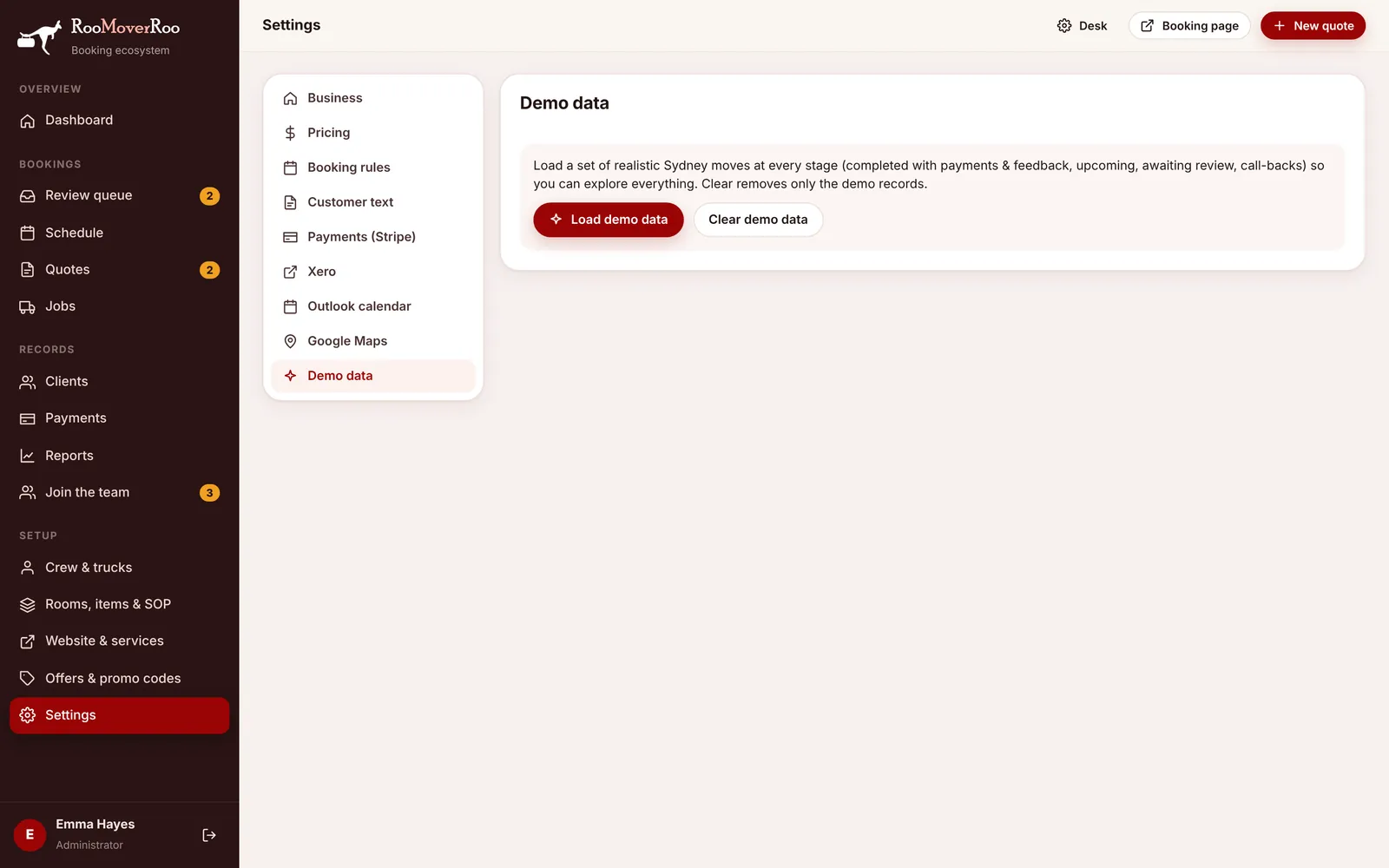
/roo/settingsand work down Business, Pricing, Deposit & terms and Booking rules. - Connect the extras you use. Stripe, Xero, Outlook and Google Maps are all optional. The app works without them and falls back sensibly.
- Add your crew and trucks under
/roo/crew. - Connect the website if you use the RooMoverRoo WordPress theme. See Connecting the WordPress site.
Addresses after installing#
| Address | What it is |
|---|---|
/roo | The app. Staff sign in here. |
/roo/book | The public booking form. /book and /quote redirect here. |
/staff-login | Frappe’s own login page, for Desk and password resets. |
/app | Frappe Desk. Only Administrator and System Manager users can stay here. |